
The NX Learning Hub
Expert Solutions & Workflows
Access our curated collection of technical answers and expert tutorials designed to solve the toughest Siemens NX engineering challenges.
NEED HELP FINDING SOMETHING?
Search by feature (e.g., 'WAVE Linker' or 'Planar Mill') to find specific solutions.
[ All Tutorials ] | [ Modeling] | [ CAM & Manufacturing] | [ Routing] | [ Assemblies ] | [ WAVE Linking] | [ Measuring]
How to Automate Siemens NX: Recording Journals & Scripts
Tired of clicking through nested menus for routine CAD setup tasks? In this step-by-step masterclass, we explore how to use the Siemens NX Developer environment to record UI macros, link C# scripts to custom ribbon buttons, and export deployment roles for your entire engineering team.
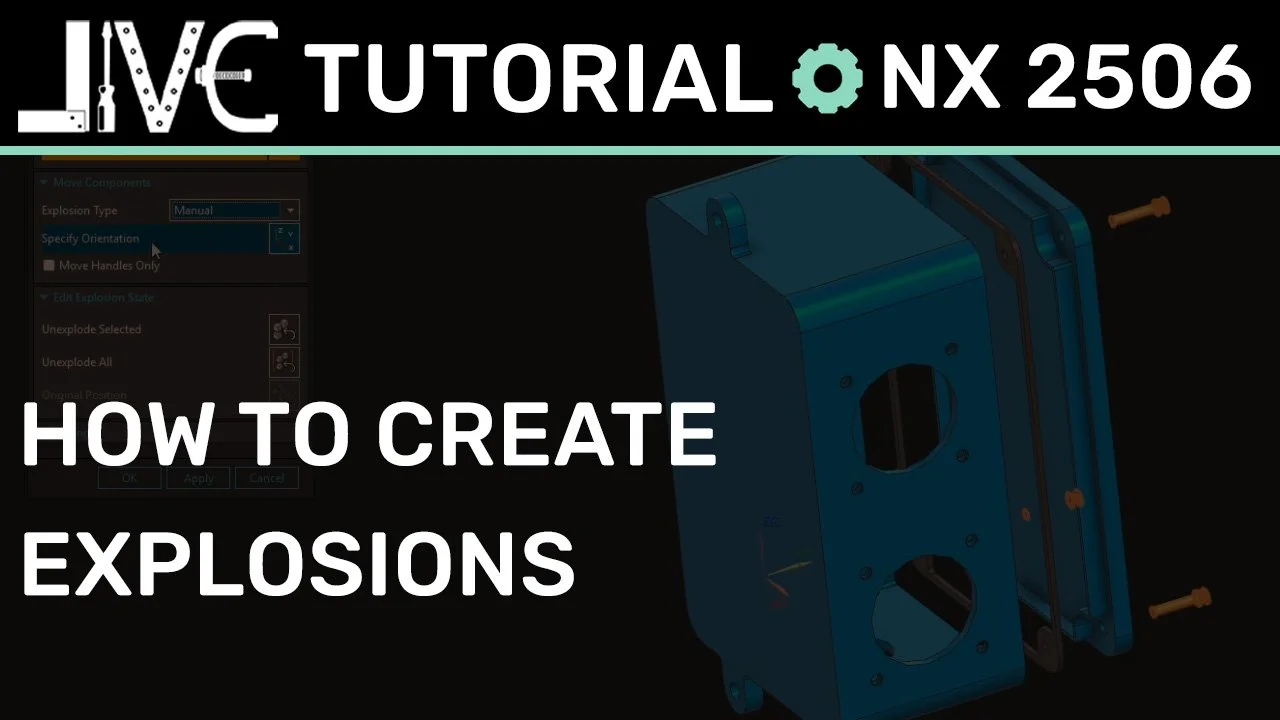
Exploded Views in Siemens NX: A Quick Guide to Clean Assembly Documentation
Creating exploded views inside Siemens NX assemblies shouldn't mean breaking your existing geometric constraints. In this quick guide, we explore how to clone custom Model Views, harness the speed of the Auto-Explode tool, and anchor associative trace lines to generate clear, professional manufacturing assembly documentation
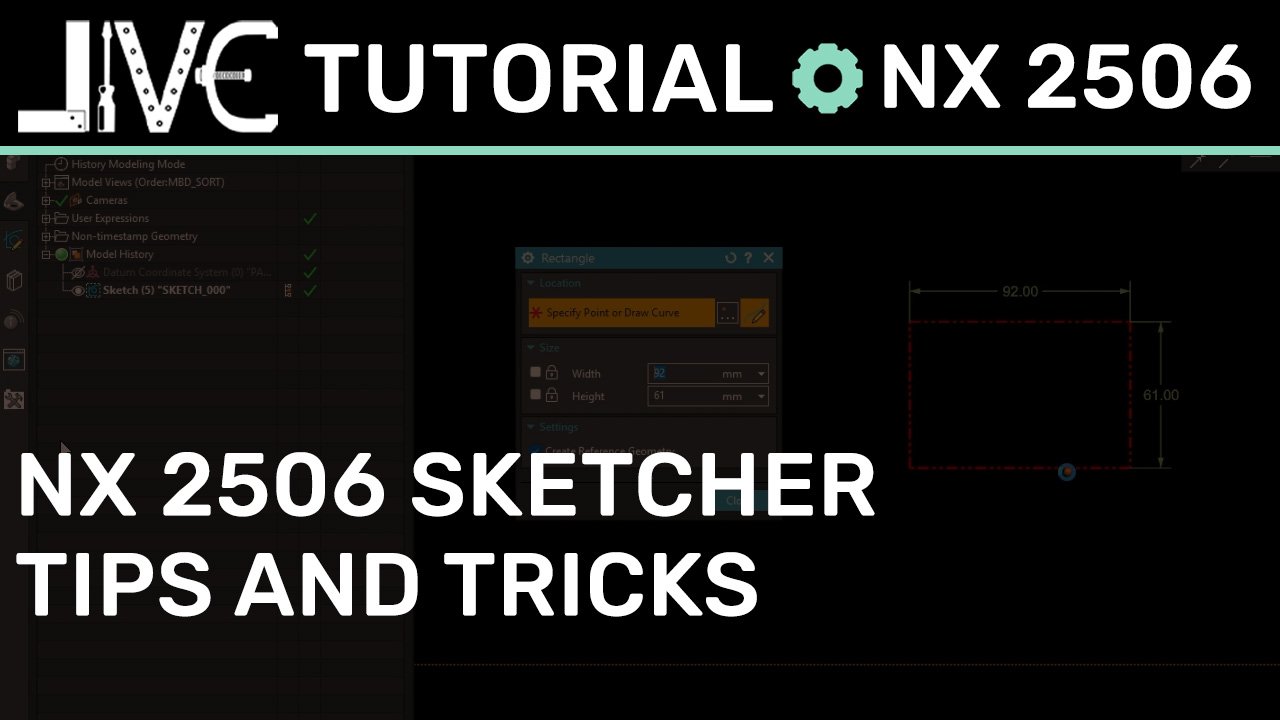
Migrating to Siemens NX 2506: 5 Essential New Sketcher Interface & Workflow Fixes
The new Sketcher solver engine in Siemens NX 2506 brings huge structural updates to daily 2D layouts. From substituting the missing Profile tool to automating constraint matrices with Mechanism Mode and displaying diameters as clean 3D PMI data, this expert guide breaks down how to turn the new solver into a high-speed drafting asset
How to Use the WAVE Geometry Linker for Top-Down Assembly Design
Mastering top-down design in Siemens NX requires a clear understanding of inter-part copying. In this step-by-step tutorial, we break down the two golden rules of the WAVE Geometry Linker and show you how to safely borrow face data across parts to build perfectly updating assembly components.
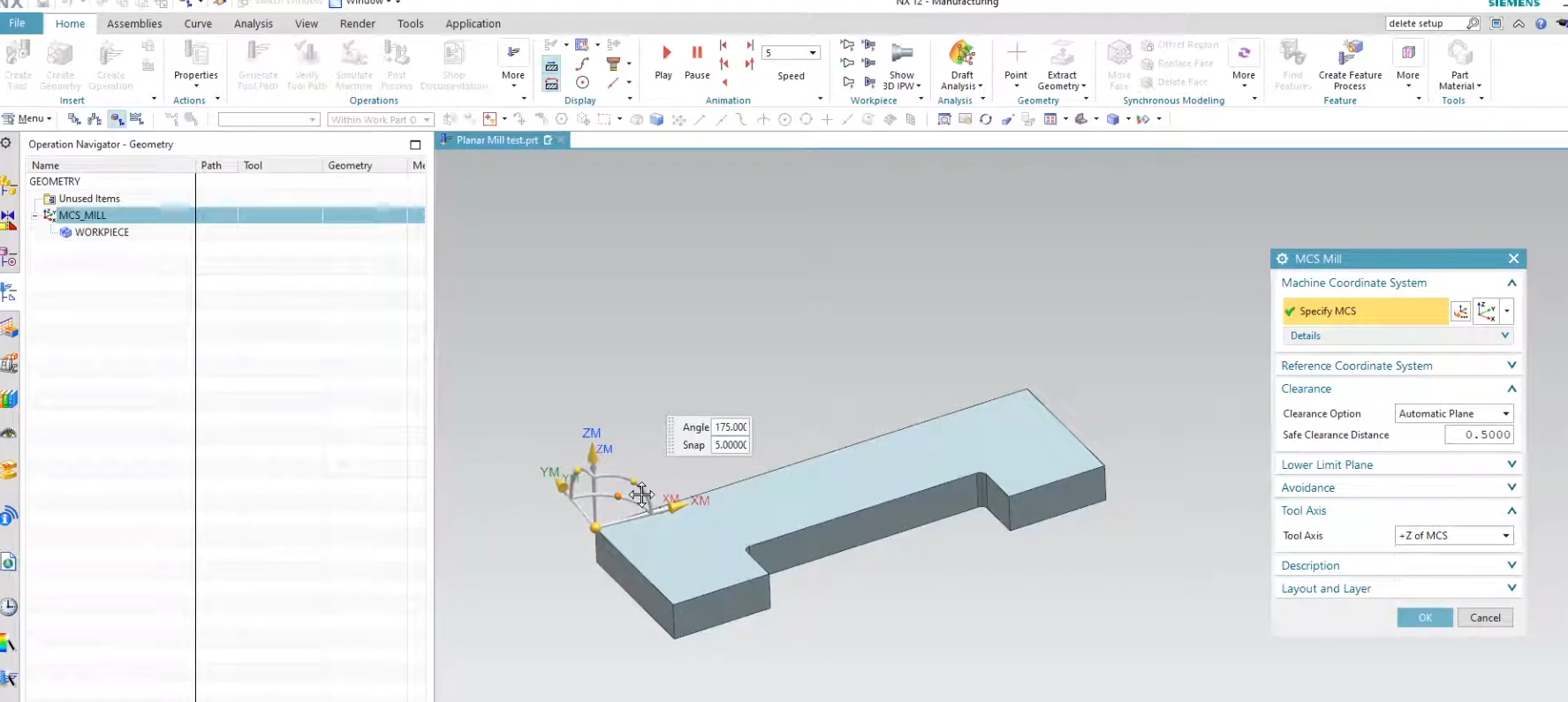
A Beginner’s Guide to Siemens NX CAM
Jumping into Siemens NX CAM for the first time can feel like stepping into a cockpit—there are buttons everywhere and a very specific way of doing things. In this video, we strip away the complexity to focus on the "Big Three" of a successful setup: the MCS, the Workpiece, and the Operation Navigator.
If you’ve ever struggled with why your toolpaths aren't generating or how to properly define your blank material, this tutorial is your roadmap. Start programming with precision and skip the "trial and error" phase.
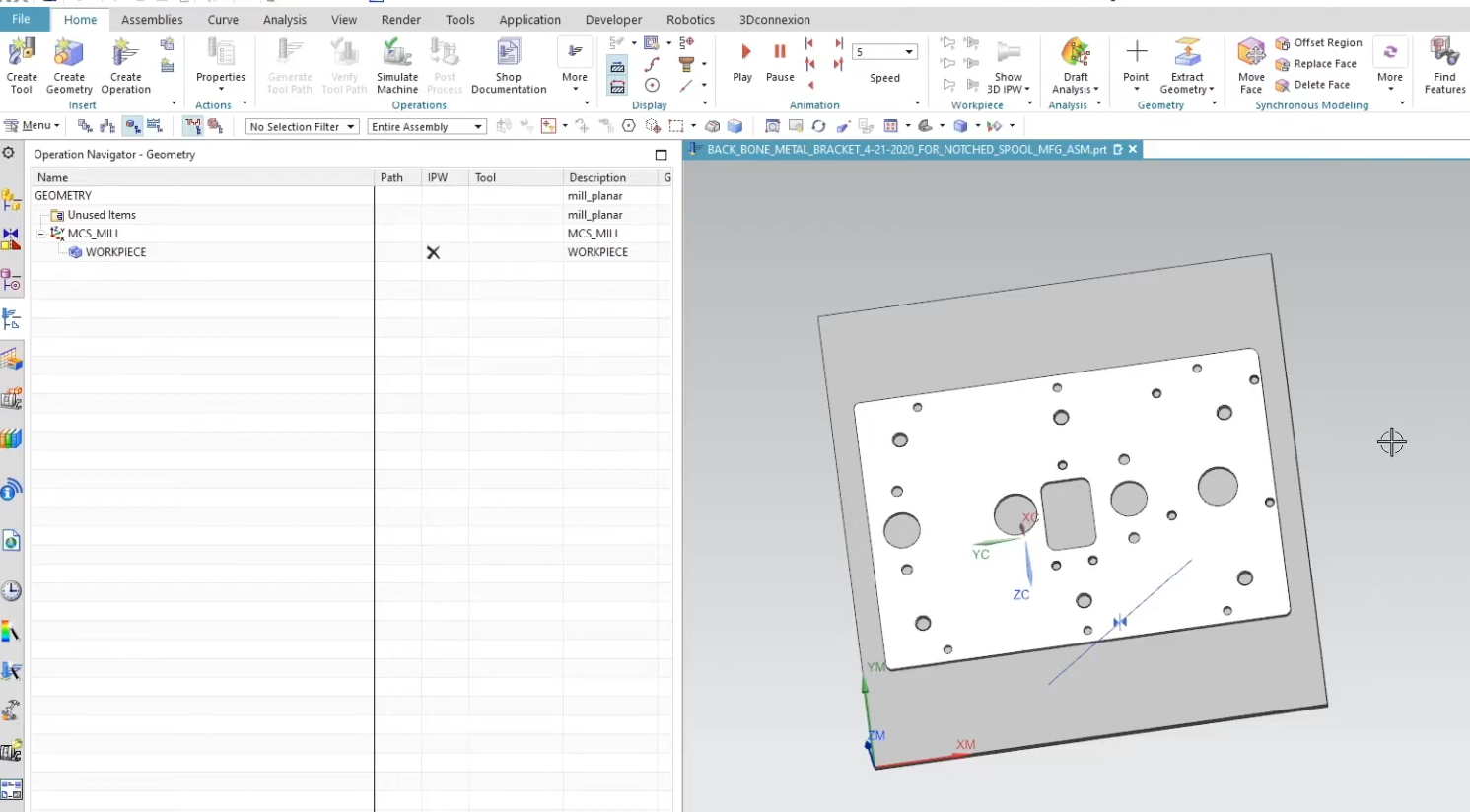
Preparing Hole Geometry for CAM in Siemens NX
Manually selecting every hole face for drilling, chamfering, and tapping isn't just tedious—it’s a recipe for mistakes. In this tutorial, we’re diving into the "work smarter, not harder" side of Siemens NX.
We’ll show you exactly how to prepare and group your Hole Geometry so that your selections carry over through multiple operations. Whether you're dealing with five holes or five hundred, this workflow ensures your CAM setups are faster, more stable, and—most importantly—repeatable. If you want to shave minutes (or hours) off your programming time, this is a must-watch.
How to Use Siemens NX Part Families to Standardize Components and Save Hours
Stop modeling variations by hand. Discover how to leverage Siemens NX Part Families to turn a single master model into a full library of components using Excel.
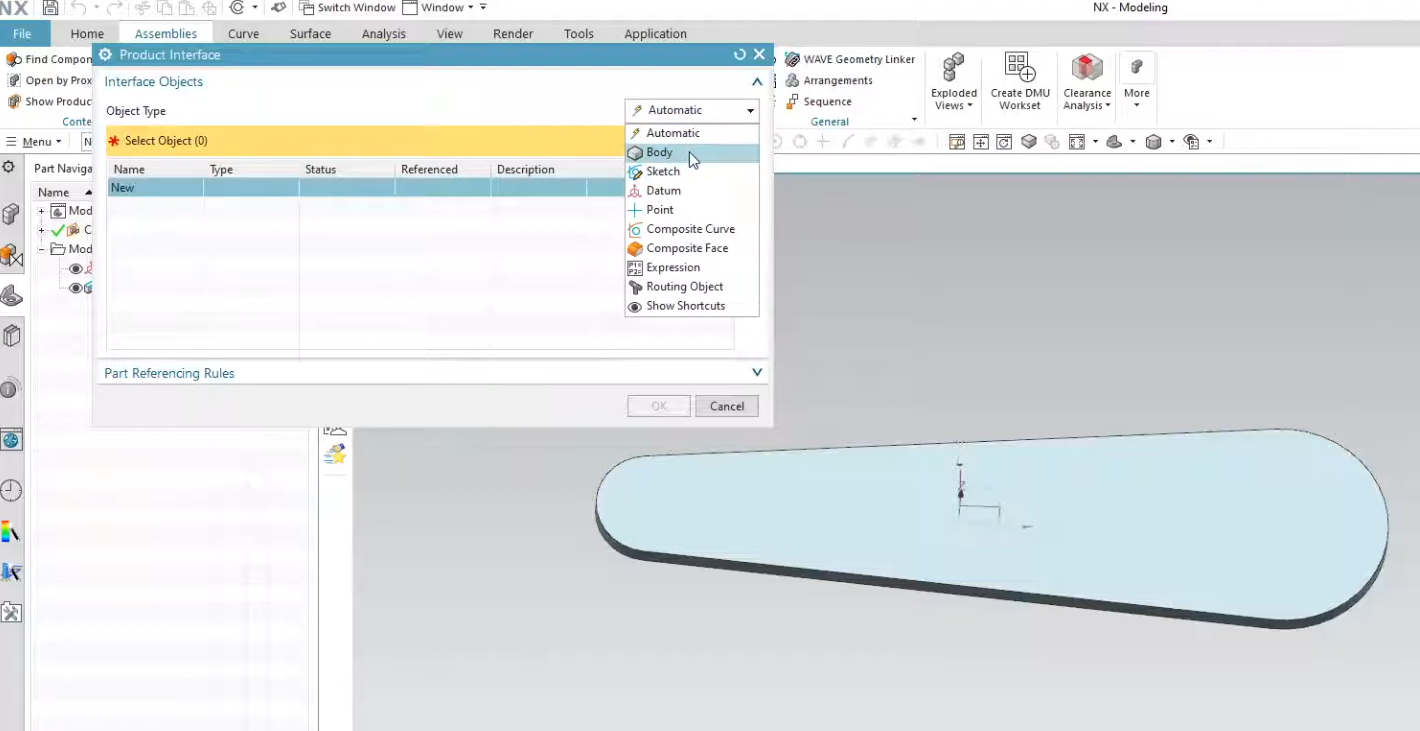
How to Use the Product Interface Command in Siemens NX
Are you tired of broken links and messy assembly constraints? In this video, we dive deep into the Siemens NX Product Interface.
We explore how this powerful feature allows you to explicitly define which geometry is available for downstream use, ensuring your top-down design remains robust and easy to update. Whether you are a beginner or an advanced NX user, these best practices for inter-part modeling will save you hours of troubleshooting.
How to Create Siemens NX Part Families Using the KRX Method
Stop dealing with broken Part Family links. Discover how to use the KRX (Knowledge Reuse Excel) method in Siemens NX to create a robust, professional-grade parts library. In this tutorial, we cover everything from expression setup to Reuse Library integration.
What is Fix at Current Timestamp and how does it work?
Tired of measurement features jumping to the bottom of your NX Part Navigator? Learn how to use the 'Fix at Current Timestamp' setting to lock your data in place and build a more stable, error-free model history.
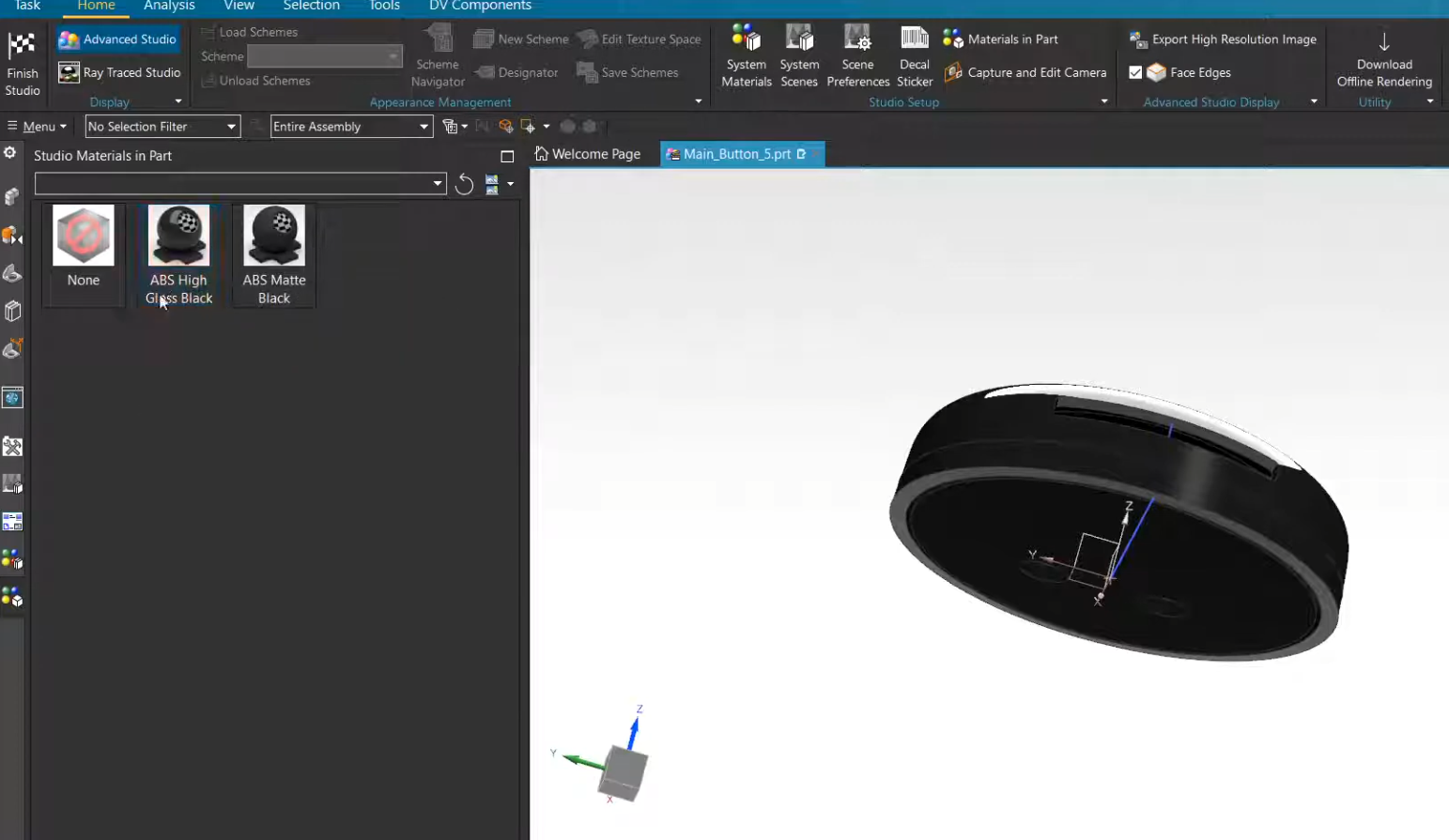
A Beginner’s Guide to NX Ray Traced Studio
Transform your technical designs into stunning visual assets. You don't need to be a professional CGI artist to create high-quality renders; you just need to master the NX Ray Traced Studio environment. This tutorial is a beginner-friendly deep dive into turning raw 3D geometry into photorealistic images perfect for client presentations, catalogs, or marketing materials.

How to Use Planar Mill in NX CAM
Simplify your CNC programming by mastering the most versatile planar operation in Siemens NX. This tutorial breaks down the Planar Mill command—from defining part boundaries and stock offsets to managing multi-level cuts—so you can create cleaner toolpaths with less effort.
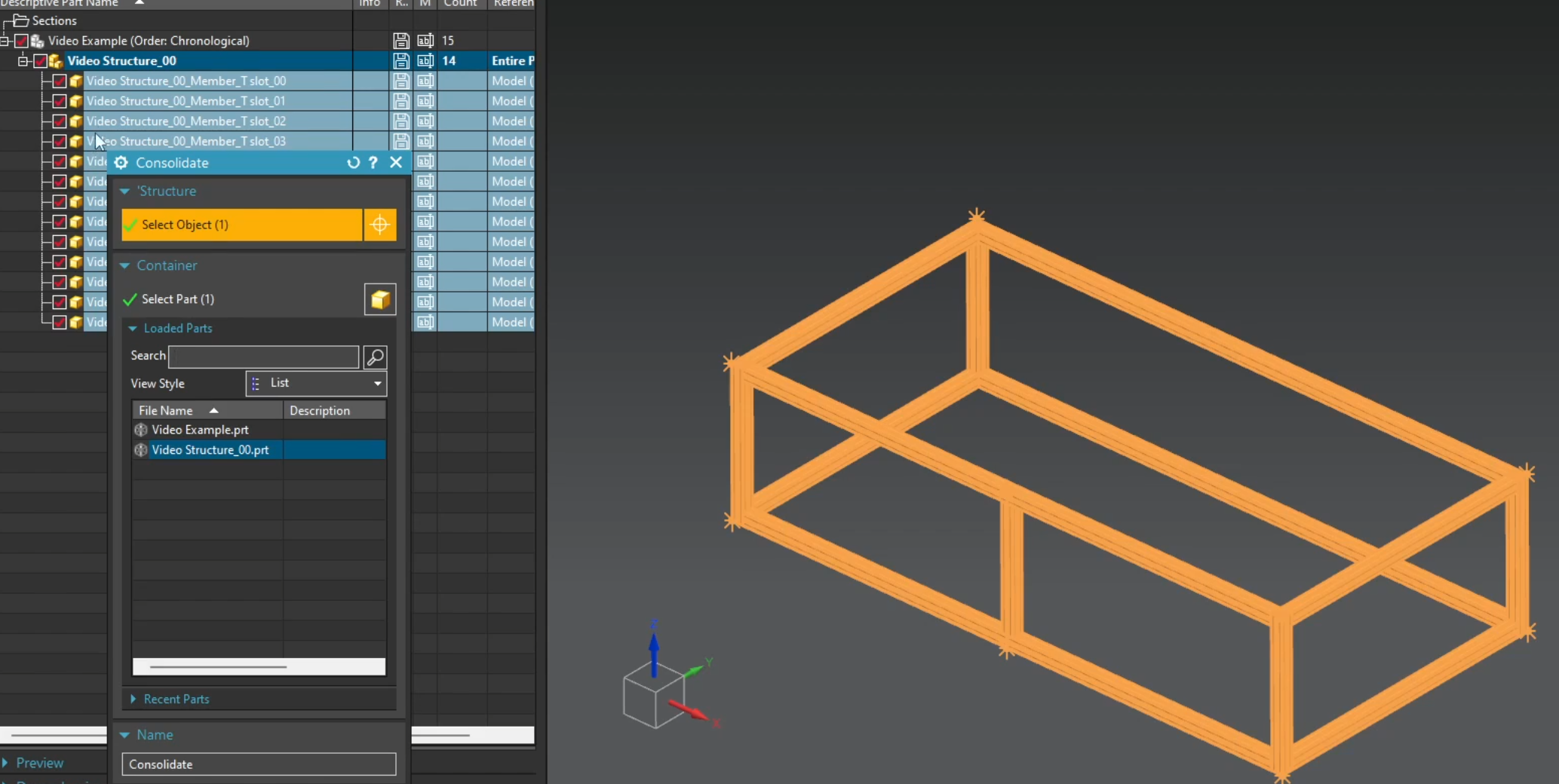
Structure Designer Tutorial in Siemens NX
Manual frame modeling is a thing of the past. If you’re still extruding individual beams and manually trimming corners, you're losing valuable engineering time. In this Siemens NX tutorial, we dive into the Structure Designer—a dedicated environment designed to turn hours of tedious modeling into minutes of automated design.
From machine bases to industrial skids and enclosures, this workflow ensures your frames are not only built fast but are also easy to modify when design requirements shift.

The Pattern Feature in NX 2206: Beyond the Basics
Automate your design logic with advanced Pattern Features in Siemens NX. Move beyond basic arrays to master Excel-driven patterns, variable increments, and the critical differences between Simple and Variational methods. Perfect for building complex, high-intelligence models like heat sinks and non-uniform layouts.
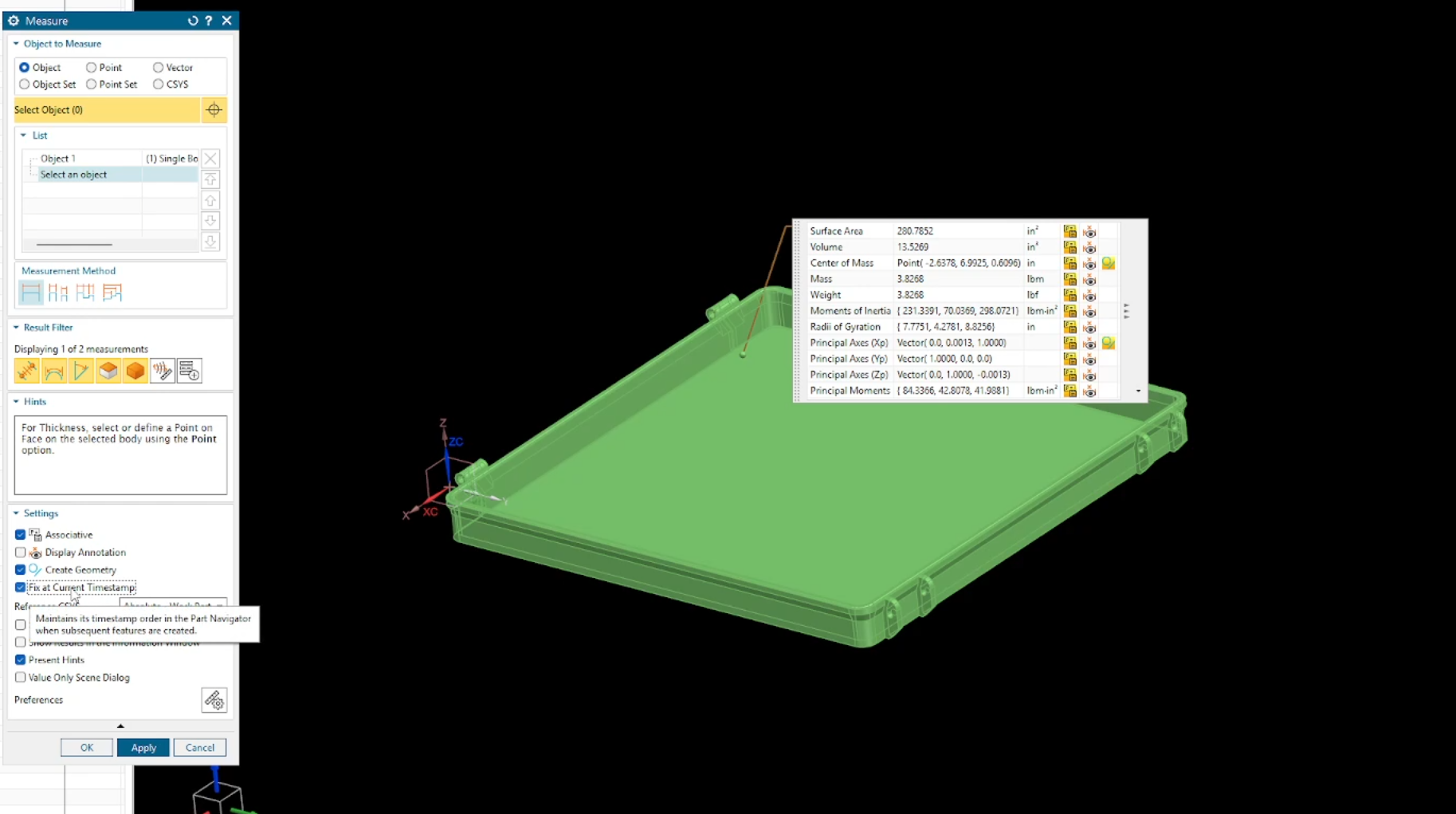
How to Find Mass Properties & Center of Gravity (CG) in Siemens NX
Is your model showing zero mass, or are you struggling to locate the exact balance point of your assembly? In this guide, we break down the essential workflow for assigning materials and using the Siemens NX Measure tool to accurately calculate mass properties and the Center of Gravity.
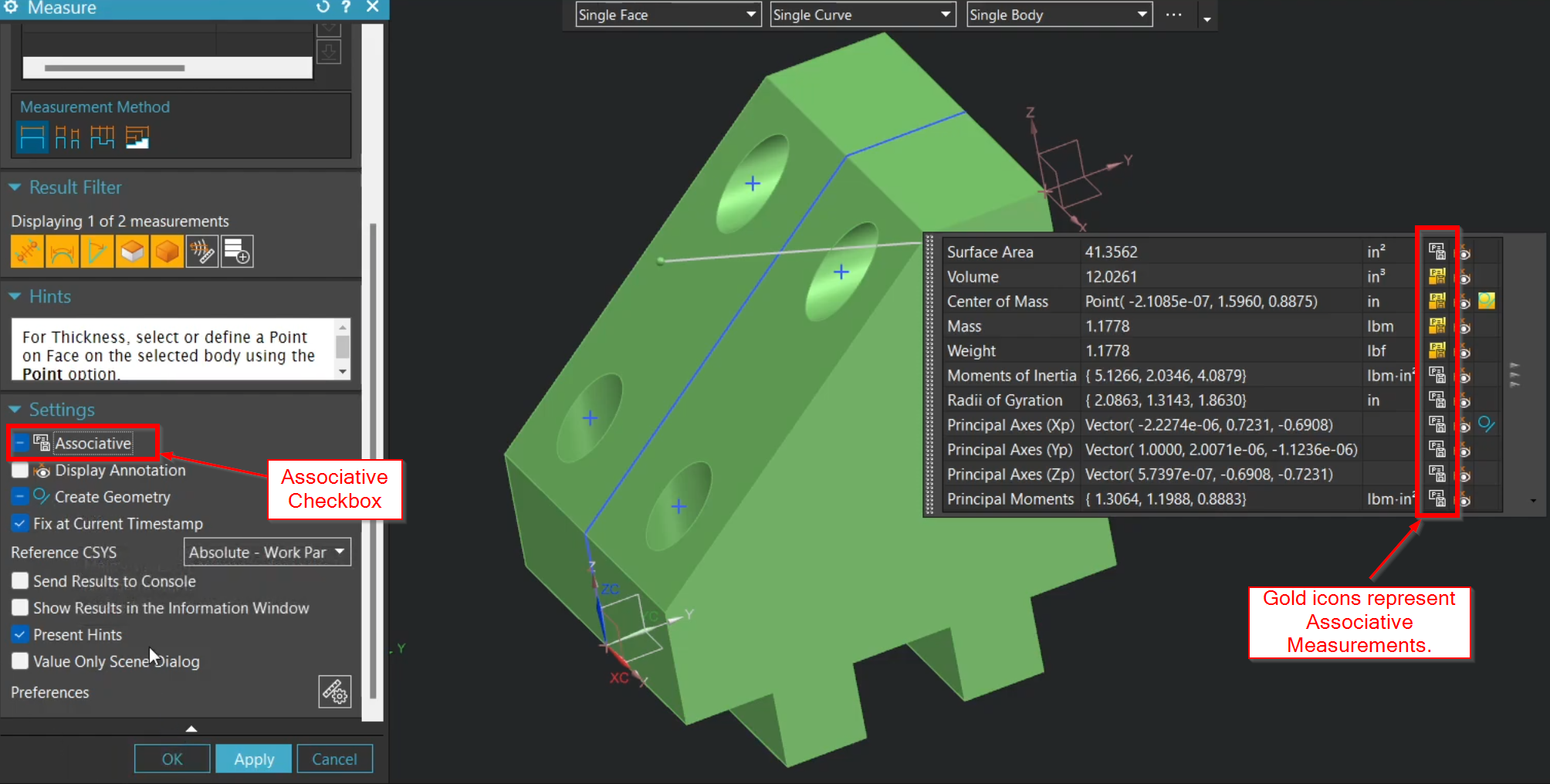
How to Use the Measure Tool in Siemens NX - Complete Guide
Stop hunting through legacy menus and master the consolidated Measure command in Siemens NX. Learn how to leverage associative measurements, drive your design with expressions, and use advanced selection filters to streamline your CAD workflow and engineering analysis.

How to Create a Chamfer Mill Operation in Siemens NX
Eliminate manual benchwork and automate your edge breaks with professional deburring in Siemens NX. Learn the best practices for tool definition, precise edge selection, and the critical offsets needed to protect your tool tip while achieving a flawless finish on every part.
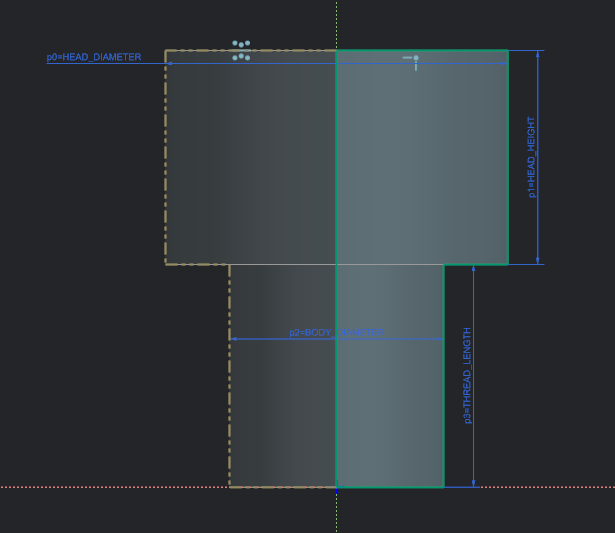
Direct Modeling vs. Parametric: Which Should You Use?
Have you ever opened a legacy CAD file only to have the entire feature tree 'explode' after one simple dimension change? You aren't alone. In Siemens NX, the battle between Direct Modeling and Parametric Modeling is more than just a workflow preference—it’s about choosing the right tool for the job. Whether you need the rigid control of a history-based tree or the 'push-pull' freedom of Synchronous Technology, understanding when to switch methods is the key to faster iterations. Dive into our latest guide to see which approach wins for your next project.
How to Create a Custom Siemens NX CAM Manufacturing Template
Stop wasting time setting up the same fixtures and tools for every new project. In this guide, we show you how to build a custom Siemens NX Manufacturing Template. By pre-defining your machining environment—including vices, jaws, and standard operation sets—you can hit the ground running and ensure your shop floor follows a consistent, proven process every time.

How to Qualify Parts for Siemens NX Electrical Routing: Step-by-Step
Stop manually placing wires and start automating your harness design. Qualifying your parts is the essential first step to mastering Siemens NX Electrical Routing. In this tutorial, we show you how to turn a standard 3D model into an intelligent routing component by defining ports, multi-ports, and alignment vectors—saving you hours of manual rework in your assembly.