
CREO Parametric
LEARNING HUB
Search our database for expert insights on 'Family Tables,' 'Flexible Modeling,' and 'Mapkeys' to streamline your design process.
NEED HELP FINDING SOMETHING?
Search by feature (e.g., 'Copy Geometry' or 'Publish Geometry') to find specific solutions.
[All Tutorials ] | [ Modeling] | [ Assemblies ] | [ Copy Geometry] | [ Measuring]
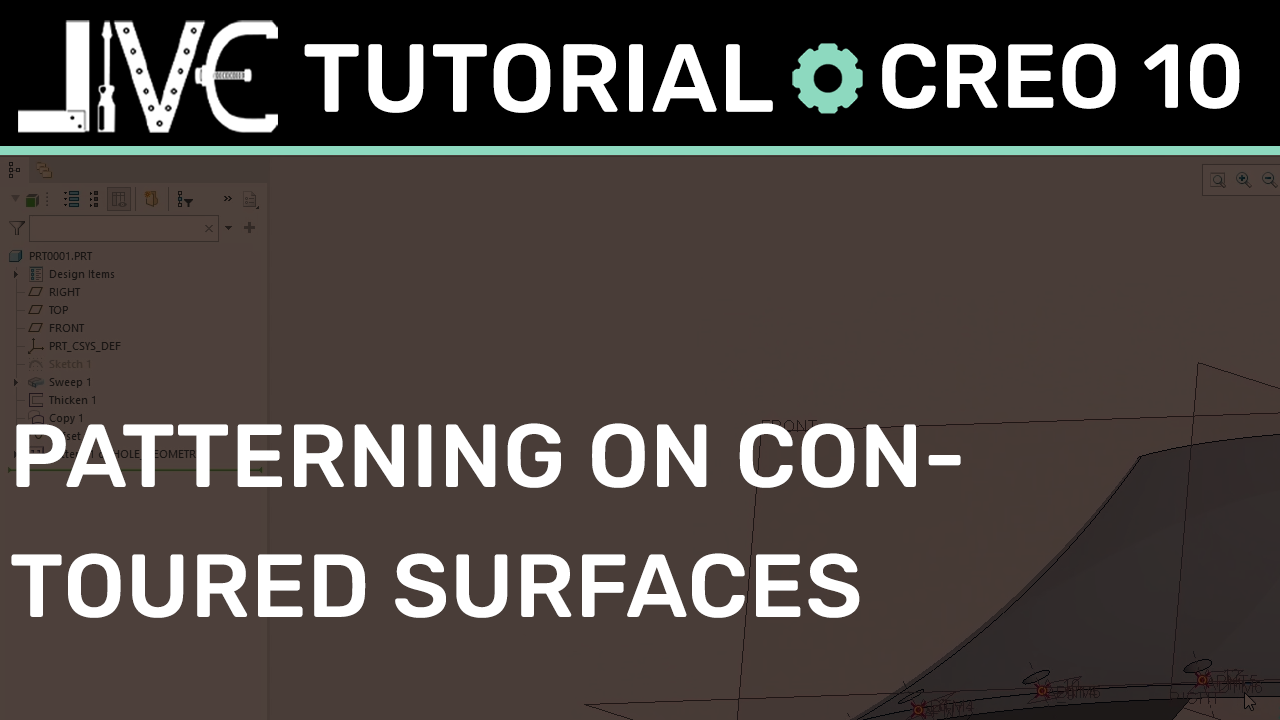
Creo Parametric Hack: How to Pattern Features Across Complex Contoured Surfaces
Patterning features along a non-planar curved face in PTC Creo Parametric often leads to calculation errors and flying geometric instances. In this advanced masterclass tutorial, we unpack how to bypass 2D sketch limitations by building a robust 3D composite curve tracking framework, creating surface-normal datum nodes, and executing a flawless Pattern by Dimension sequence.
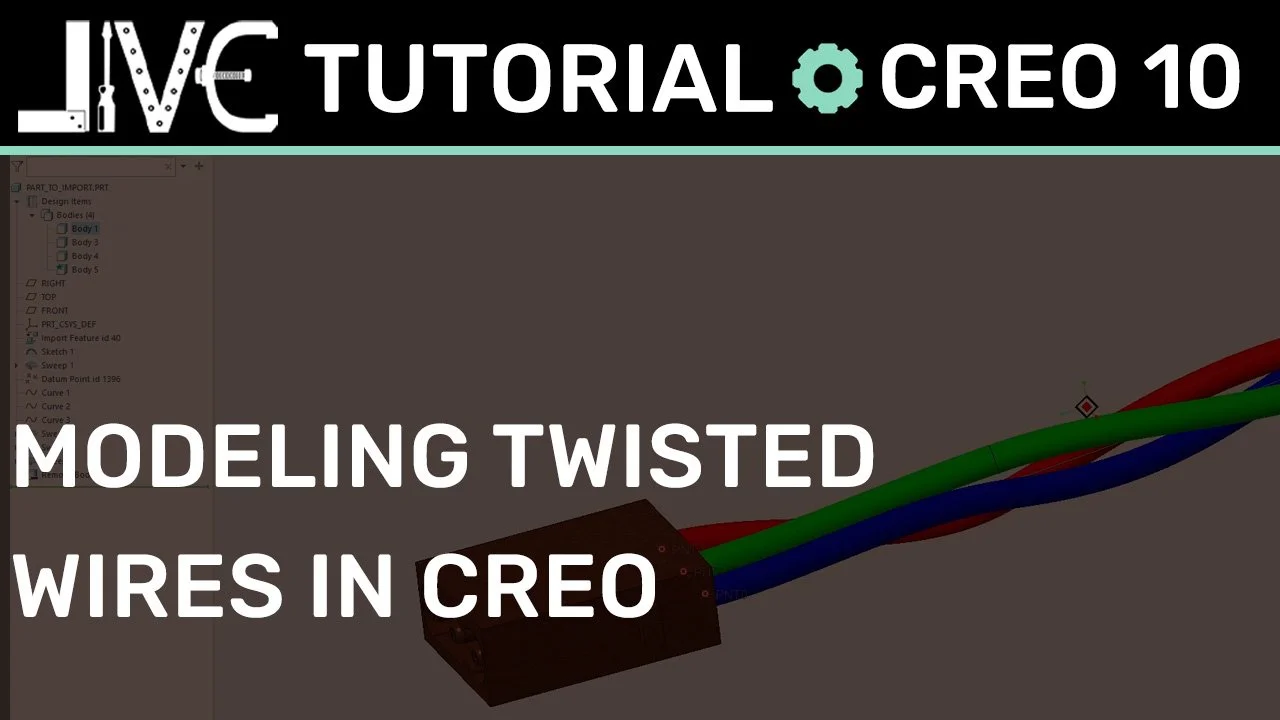
Advanced Creo Cabling: How to Model Twisted Wires Natively Using trajpar
Modeling twisted wire pairs or braided cable sweeps in PTC Creo can cause standard feature trees to choke. In this advanced tutorial, we unpack the mathematical syntax of the trajpar relation inside a Variable Section Sweep (VSS) and demonstrate the expert 'dummy body' technique to route multi-body wire matrices cleanly into electrical connectors.
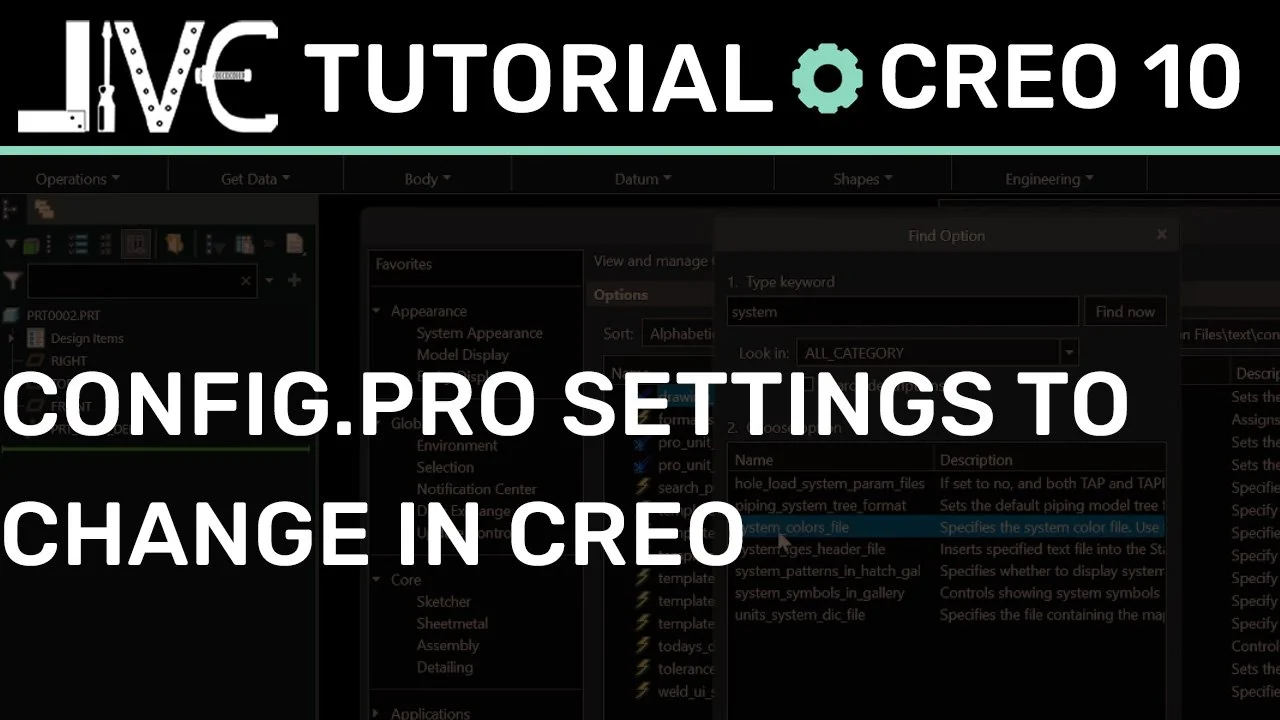
Fix Your Defaults: Essential PTC Creo config.pro Settings for a Bearable Workflow
Creo Parametric out of the box is notoriously frustrating. In this guide, we break down the essential config.pro environment changes—from locking down moving sketch dimensions to auto-orienting your workspace view parallel to the screen—to turn a bone-stock installation into a professional tool built for power users.
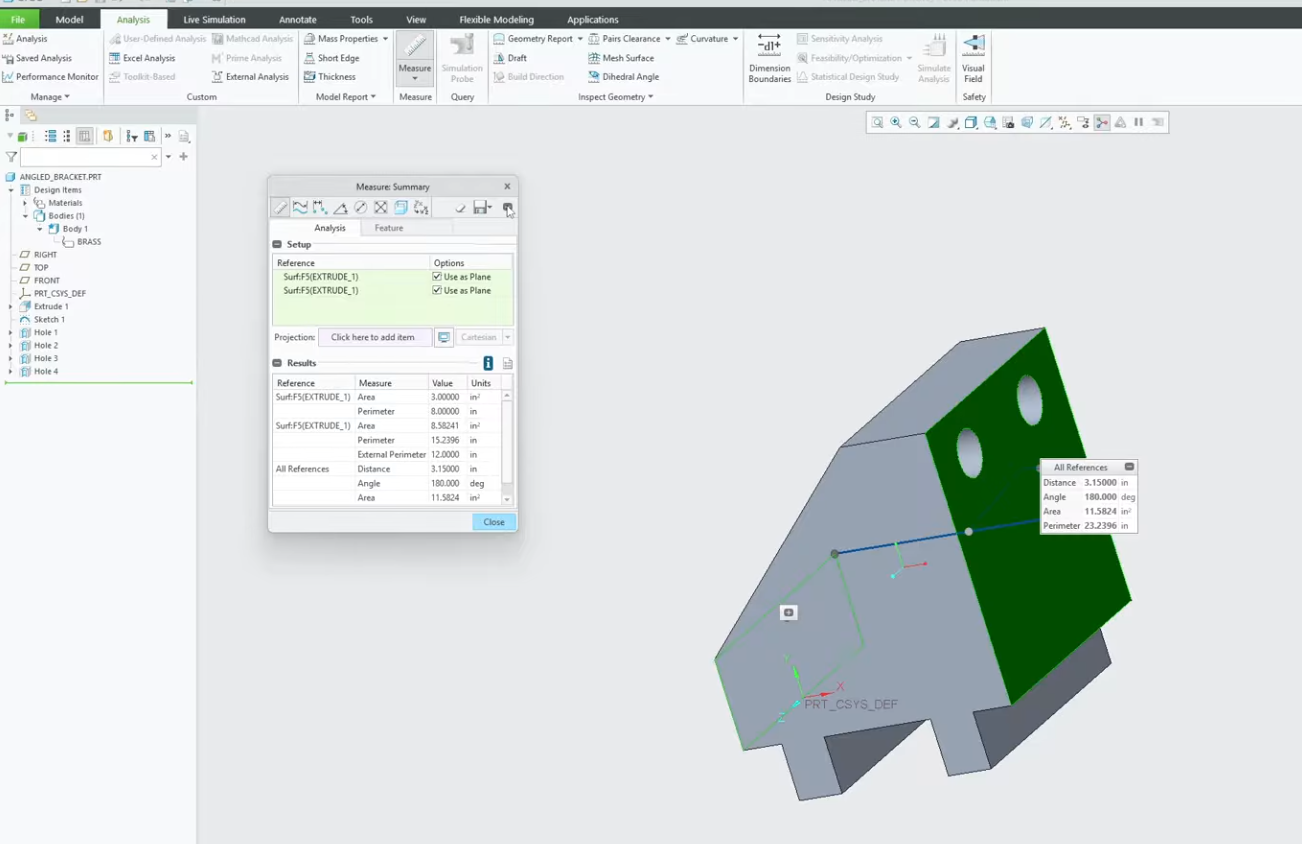
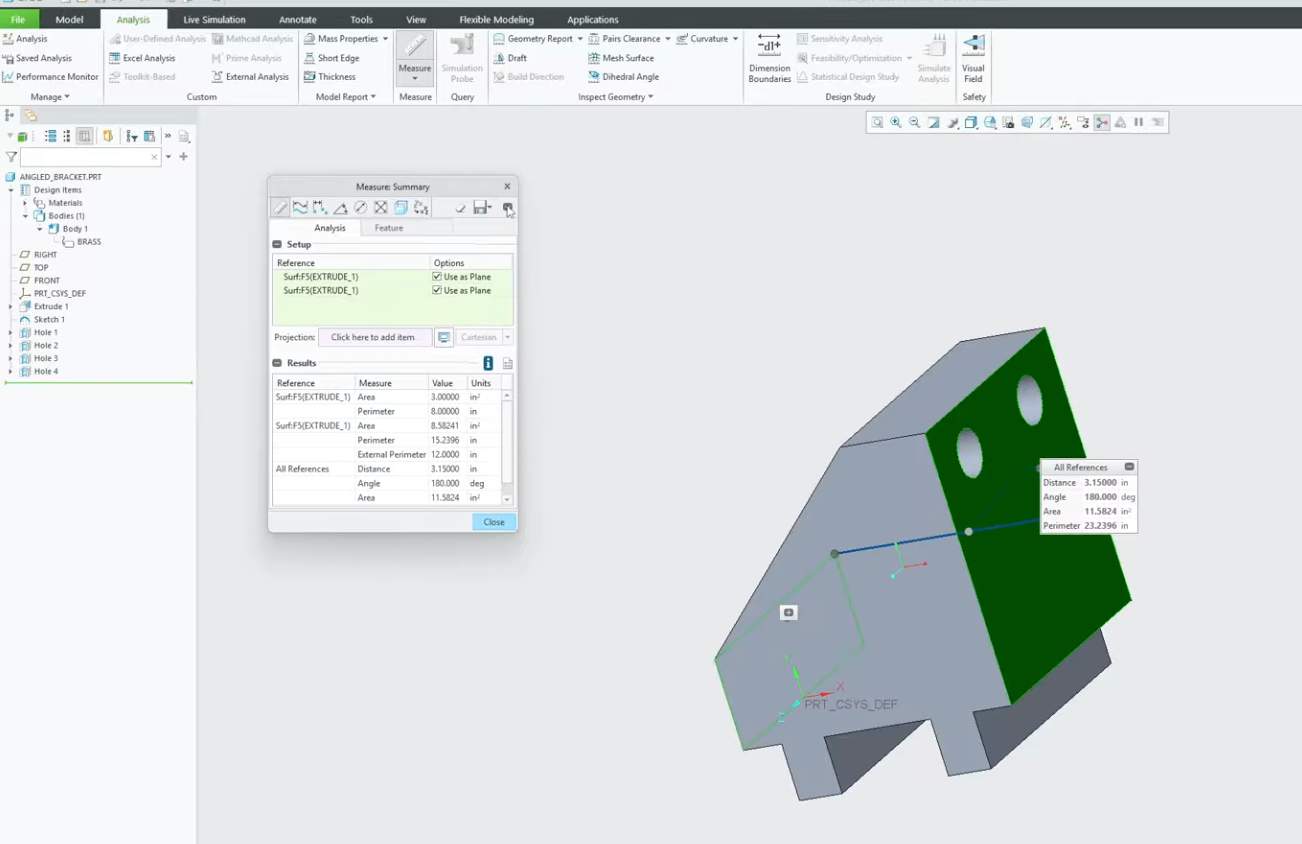
How to Use the Measure Tool in Creo Parametric
Does the measure tool in Creo ever feel like it requires too many clicks? Whether you are double-checking a clearance or verifying a critical angle, knowing the shortcuts of the Analysis tab is a game-changer.
In this video, we break down the most efficient ways to use the Creo Measure tool. We cover how to switch between measurement types on the fly, how to select multiple entities using the Ctrl key, and how to keep your measurement results visible while you work. Stop guessing and start measuring with precision.
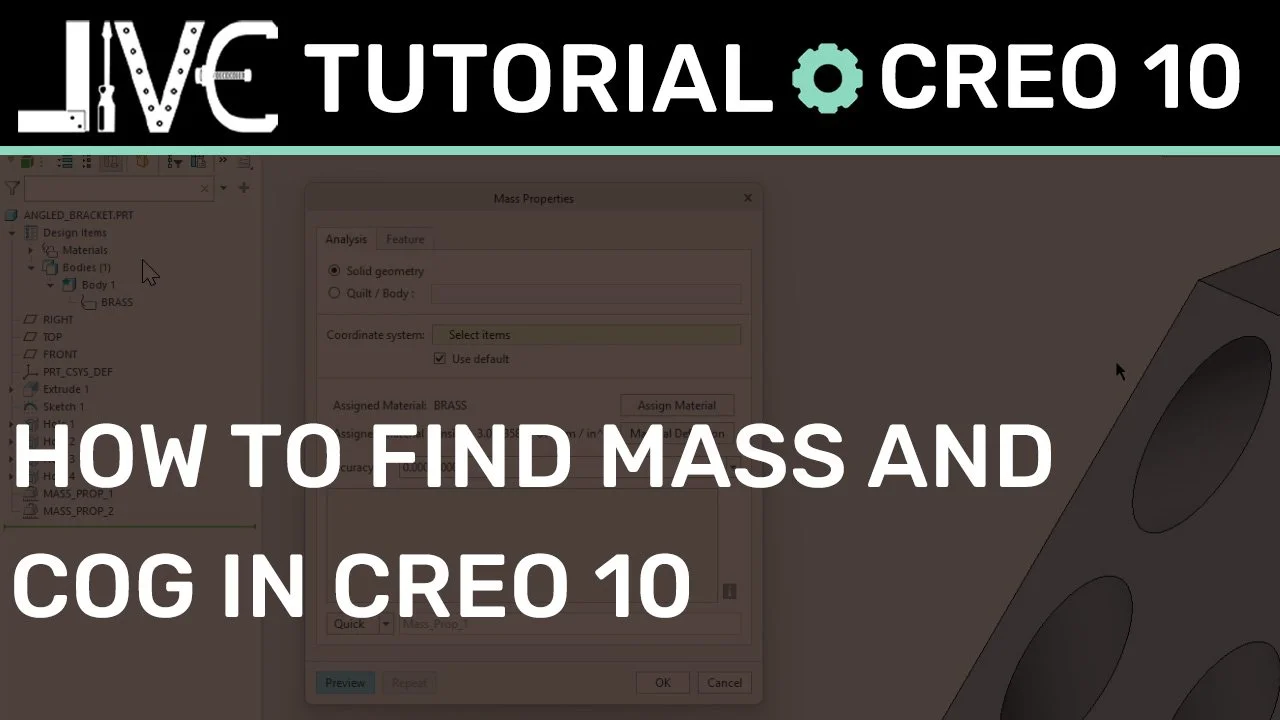
Finding Mass Properties and Center of Gravity in Creo Parametric: A Step-by-Step Guide
In this step-by-step guide and video tutorial, we show you how to accurately assign materials, calculate total mass, and visualize the Center of Gravity (COG) for parts and assemblies. Stop guessing your model's weight and start generating precise engineering reports today.

How to Import Point Files in Creo Parametric
Stop wasting time manually entering coordinates and risking human error. In this PTC Creo tutorial, we break down the professional workflow for importing .PTS files to transform raw data into precise 3D geometry.
Whether you are tackling a complex surfacing project or deep into a reverse engineering task, speed and accuracy are non-negotiable
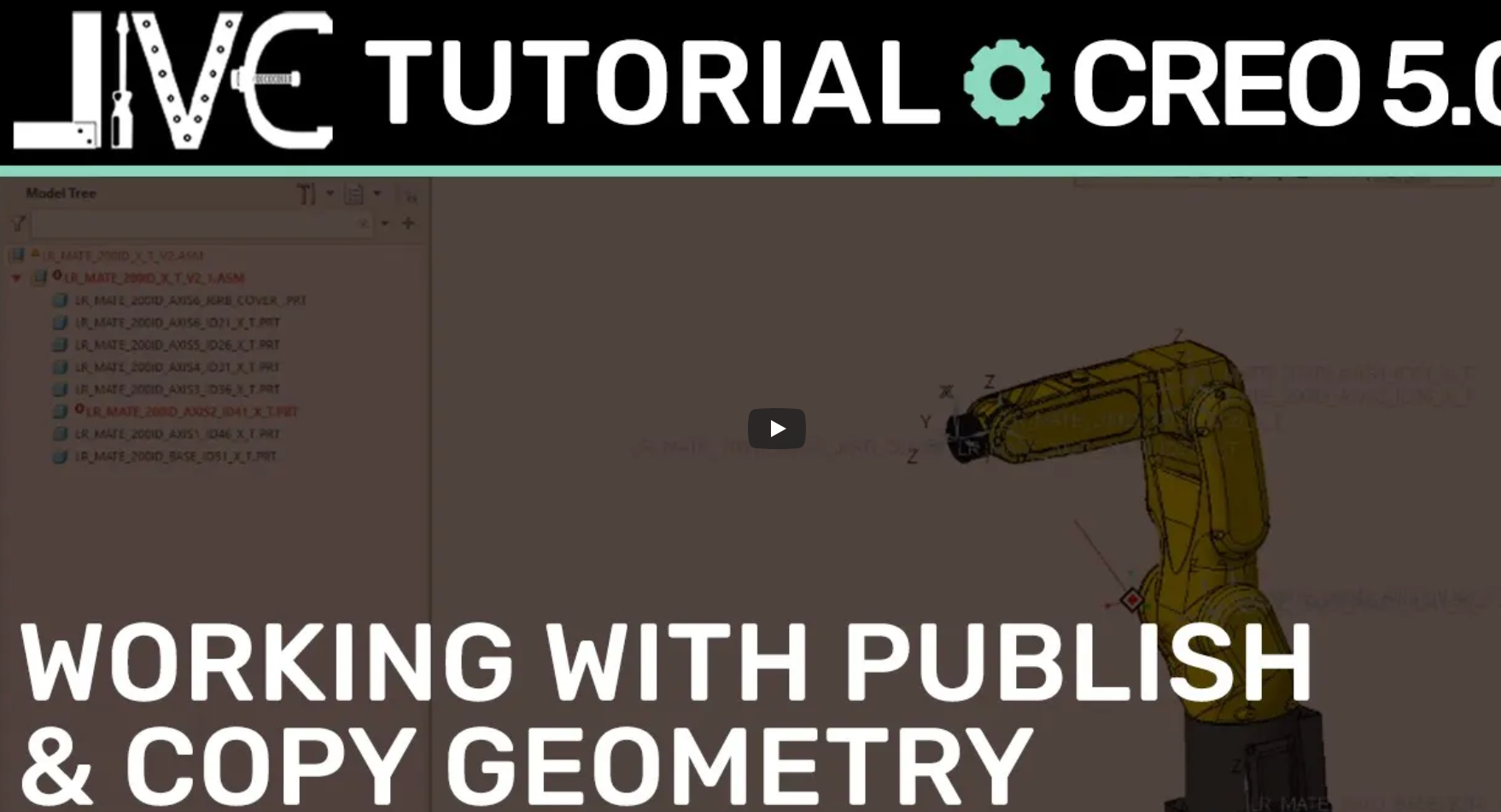
How to Use Publish and Copy Geometry in Creo Parametric
Unlock the power of Top-Down Design in PTC Creo by mastering the tools that manage design intent across complex assemblies. If you've ever struggled with "frozen" models or broken external references, this tutorial is for you.
We dive deep into the critical differences—and the symbiotic relationship—between Publish Geometry and Copy Geometry. Understanding these two features is the key to building professional, stable, and manageable 3D models.
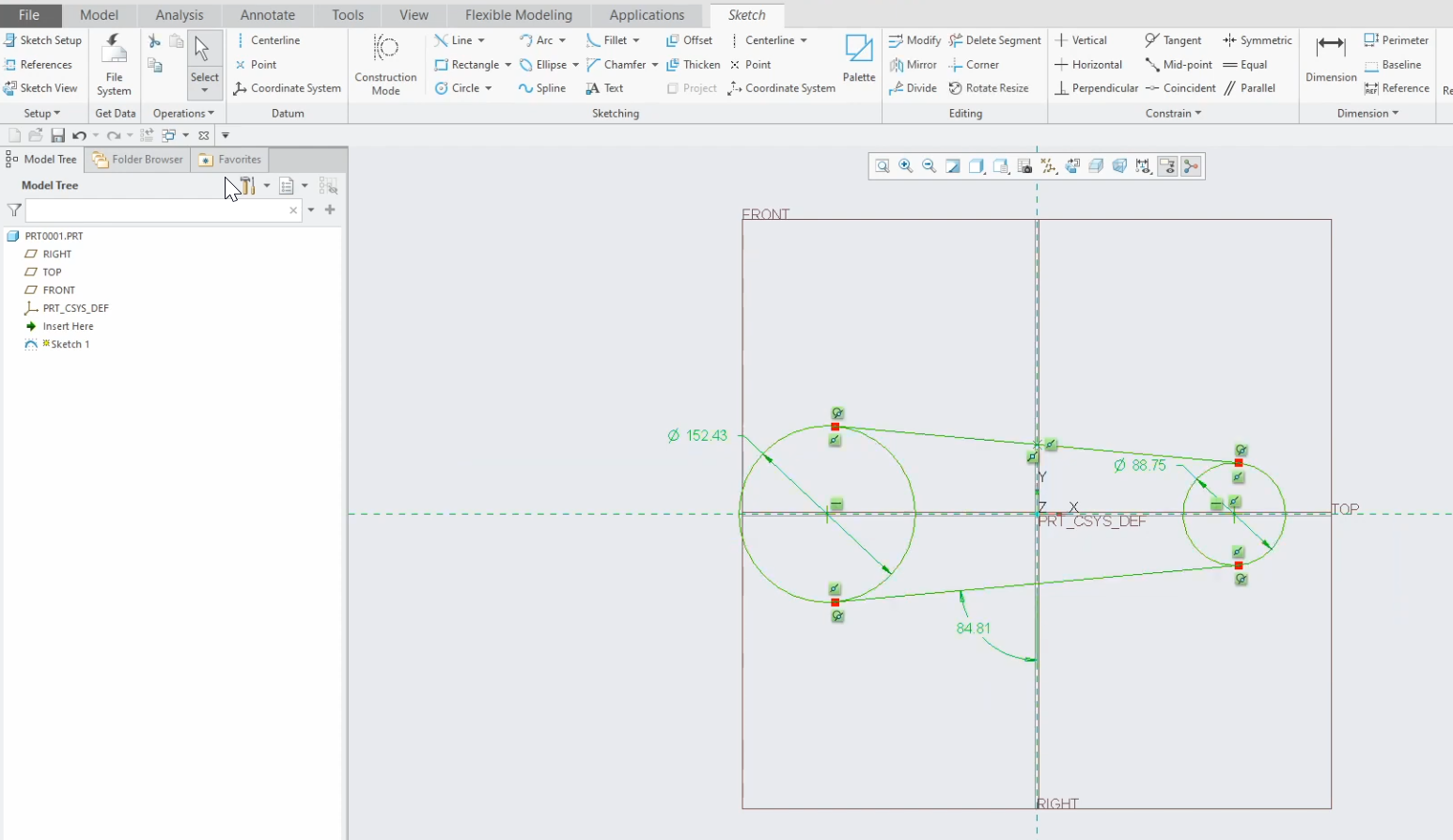
Essential Creo Parametric Sketcher Tips and Tricks
The foundation of every great 3D model is a clean, intelligent sketch. If your sketches are prone to "breaking" when you change a single dimension, it’s time to move beyond the basics. In this PTC Creo Sketcher tutorial, we explore the best practices that separate the hobbyists from the pros.
Building a robust model starts with intent. We show you how to move away from "dimension-heavy" sketching and toward a constraint-driven workflow that makes your designs more flexible and predictable.
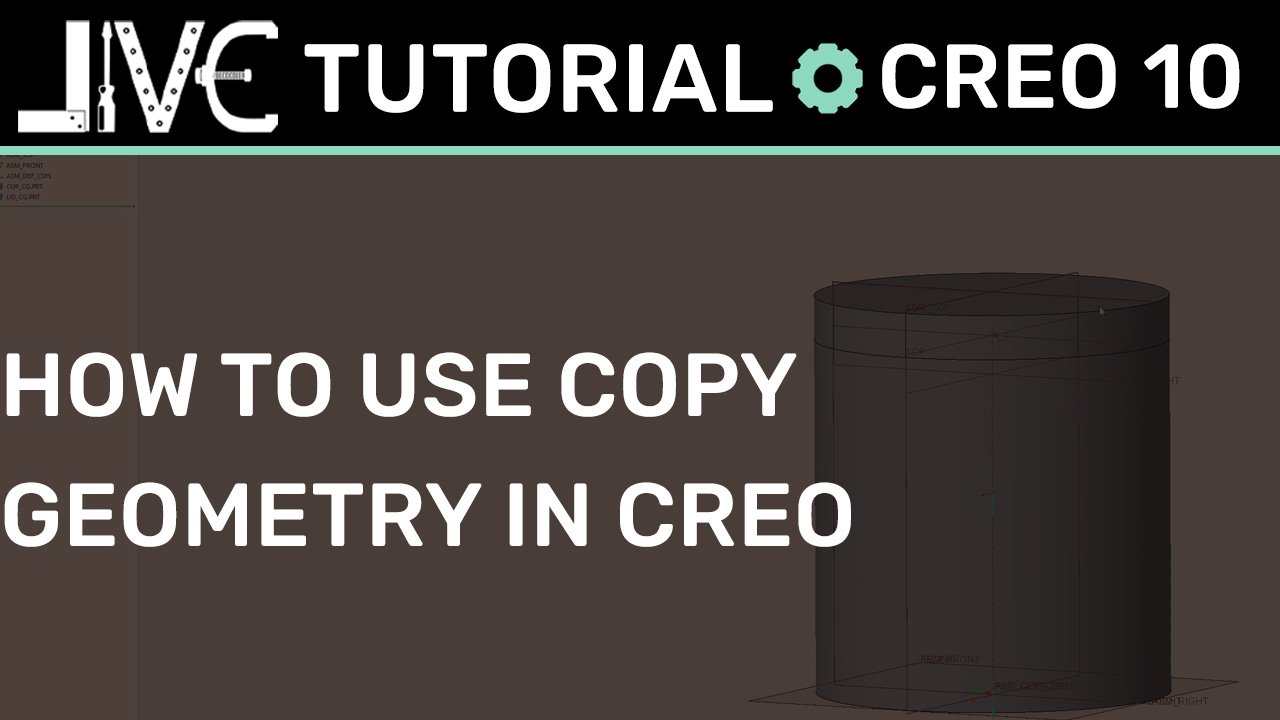
How To Use Copy Geometry in an Assembly in Creo Parametric
Stop manually matching dimensions and start designing with intent. Learn how to use the Copy Geometry tool in Creo Parametric 10.0 to master Top-Down Design, streamline your assembly workflows, and ensure your parts update automatically when your design changes.
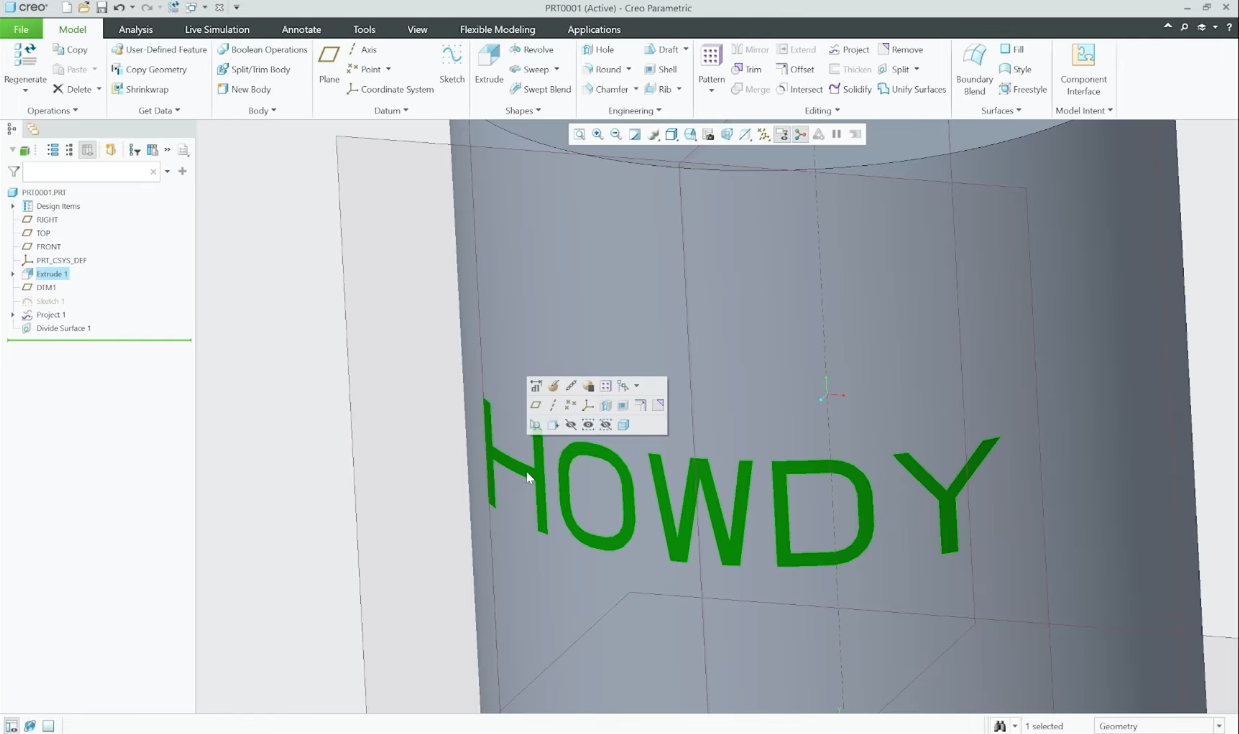
How to Apply Text to Any Surface in Creo Parametric
Extruding text onto non-planar curved faces inside PTC Creo Parametric frequently triggers geometric generation failures and visual distortion. In this step-by-step masterclass tutorial, we break down an elegant power-user alternative: leveraging modern Divide Surface features coupled with Flexible Modeling Offsets to generate text that stays perfectly uniform and perpendicular to any complex contour.