
The NX Learning Hub
Expert Solutions & Workflows
Access our curated collection of technical answers and expert tutorials designed to solve the toughest Siemens NX engineering challenges.
NEED HELP FINDING SOMETHING?
Search by feature (e.g., 'WAVE Linker' or 'Planar Mill') to find specific solutions.
[ All Tutorials ] | [ Modeling] | [ CAM & Manufacturing] | [ Routing] | [ Assemblies ] | [ WAVE Linking] | [ Measuring]
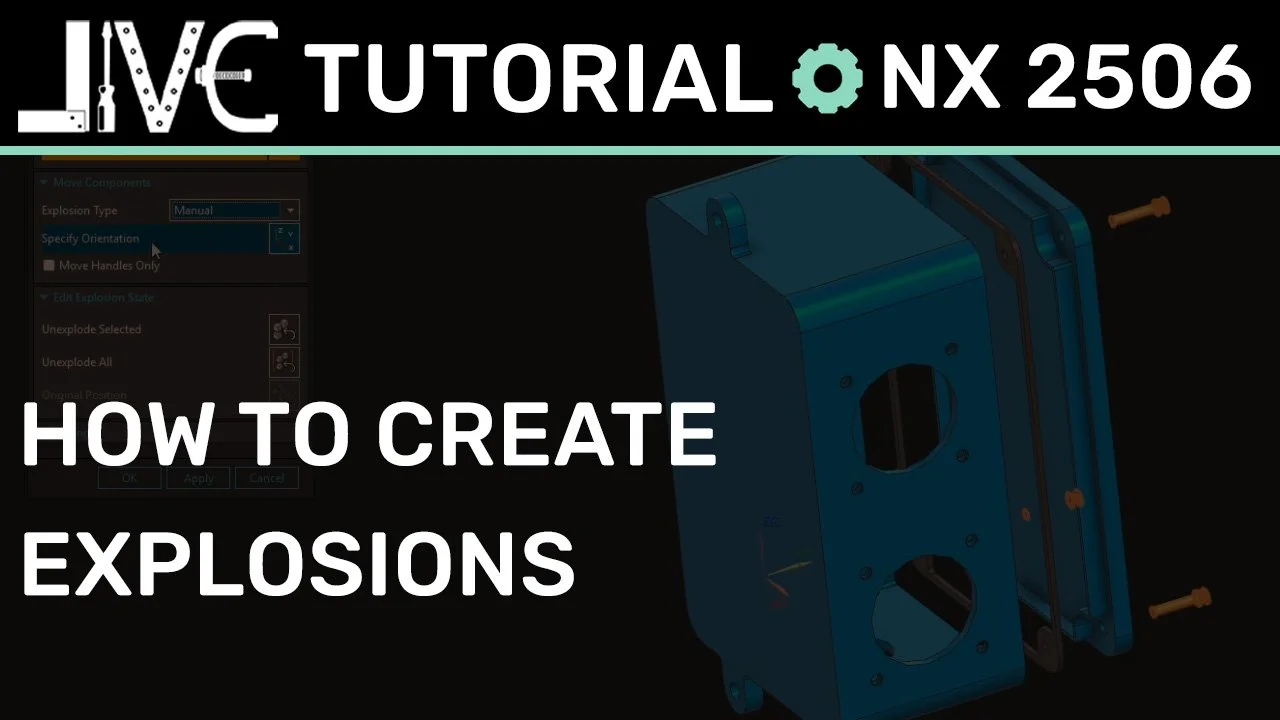
Exploded Views in Siemens NX: A Quick Guide to Clean Assembly Documentation
Creating exploded views inside Siemens NX assemblies shouldn't mean breaking your existing geometric constraints. In this quick guide, we explore how to clone custom Model Views, harness the speed of the Auto-Explode tool, and anchor associative trace lines to generate clear, professional manufacturing assembly documentation
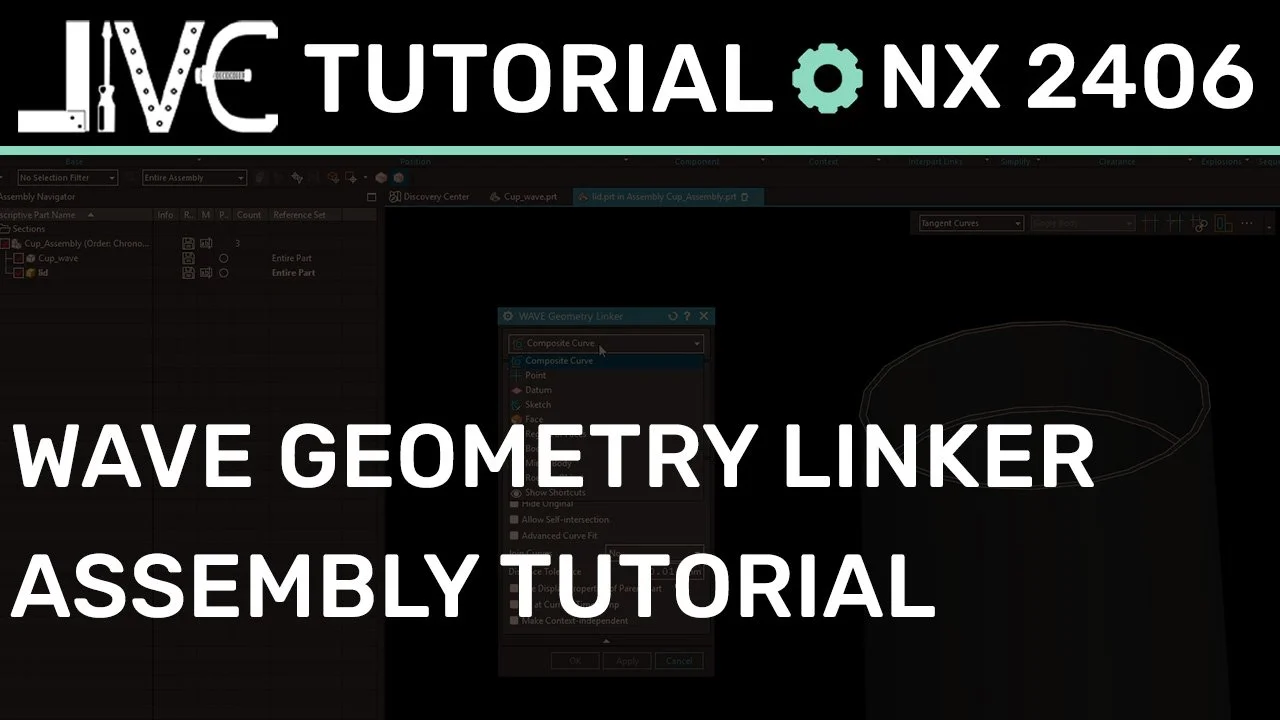
How to Use the WAVE Geometry Linker for Top-Down Assembly Design
Mastering top-down design in Siemens NX requires a clear understanding of inter-part copying. In this step-by-step tutorial, we break down the two golden rules of the WAVE Geometry Linker and show you how to safely borrow face data across parts to build perfectly updating assembly components.
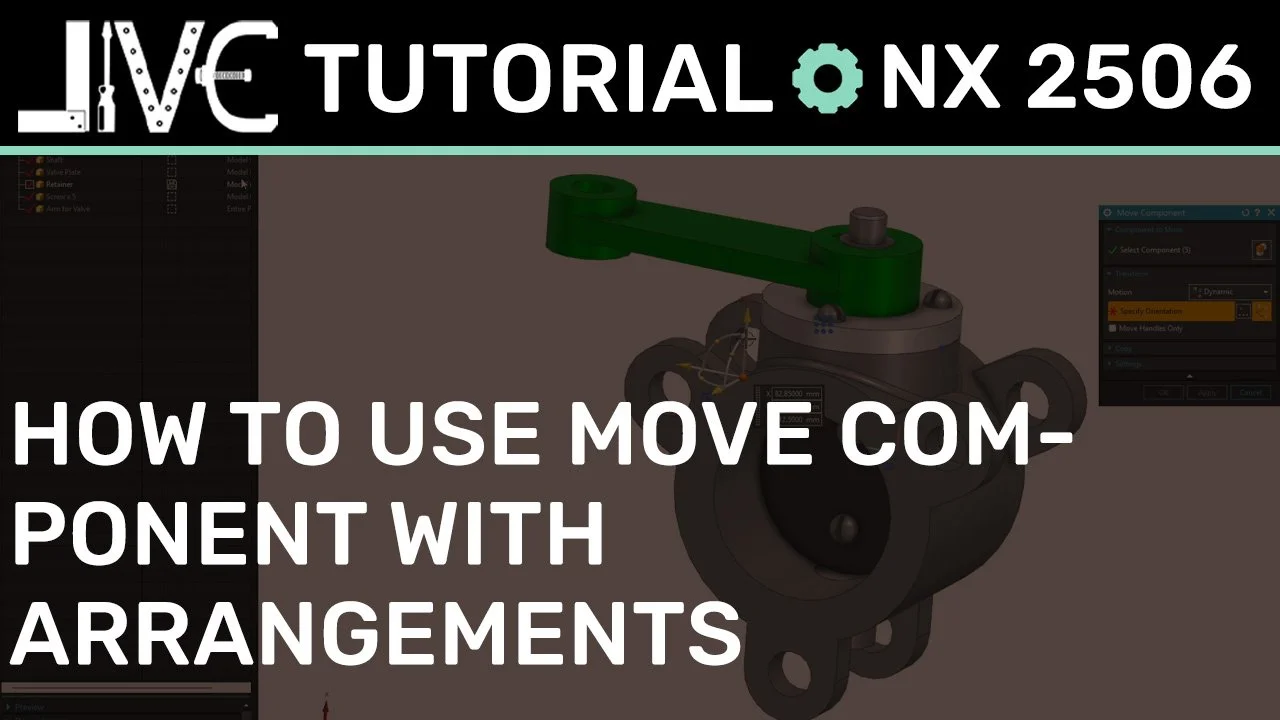
Mastering NX Assemblies: How to Use 'Move Component' for Arrangements (Without Constraints)
Can't find the old 'Apply to Used' option in modern versions of Siemens NX? You aren't alone. In this step-by-step tutorial, we look at how the modern Move Component interface handles positional variants, and show you the exact settings needed to establish clean Assembly Arrangements without breaking or building complex model constraints.
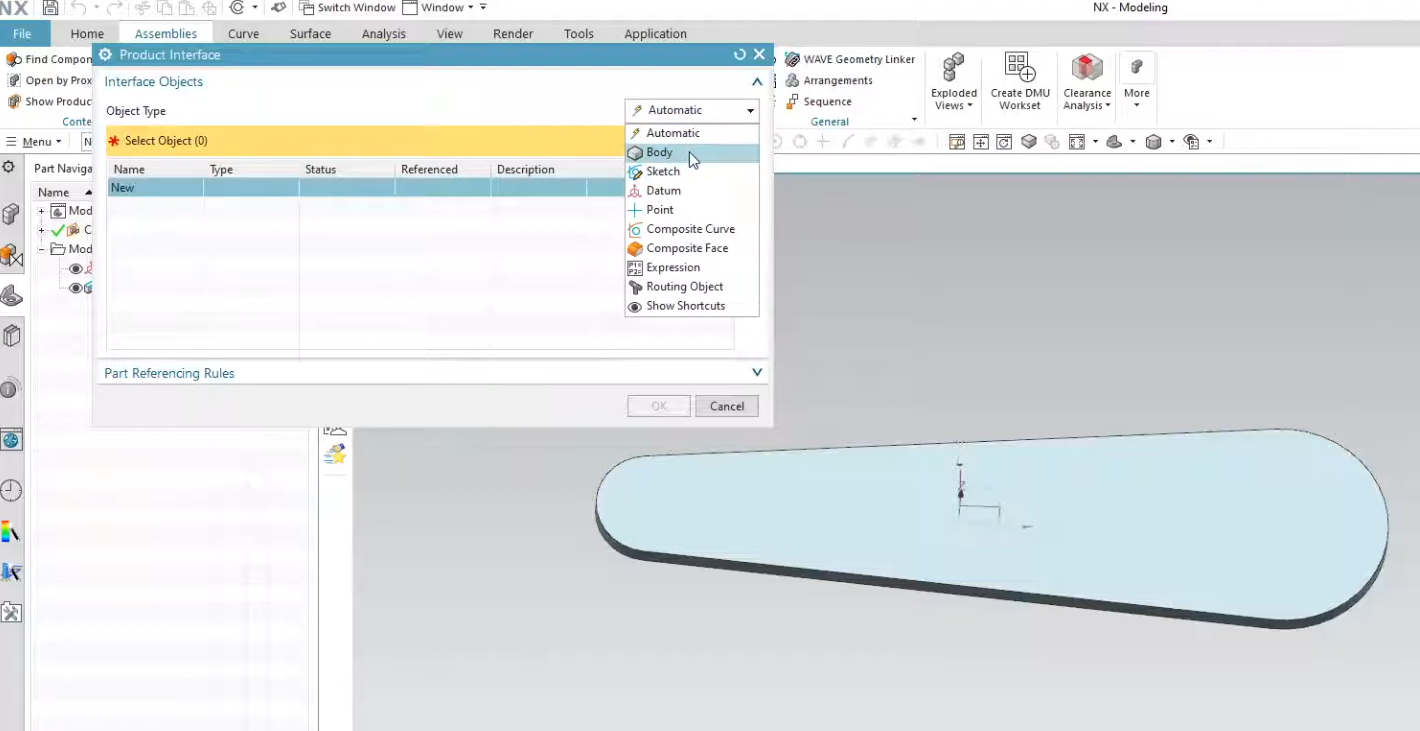
How to Use the Product Interface Command in Siemens NX
Are you tired of broken links and messy assembly constraints? In this video, we dive deep into the Siemens NX Product Interface.
We explore how this powerful feature allows you to explicitly define which geometry is available for downstream use, ensuring your top-down design remains robust and easy to update. Whether you are a beginner or an advanced NX user, these best practices for inter-part modeling will save you hours of troubleshooting.

Siemens NX Arrangements vs. Reference Sets: What is the Difference?
Are you using Reference Sets when you should be using Arrangements? In Siemens NX, mixing up these two tools can lead to cluttered assemblies and broken constraints. This guide breaks down the fundamental differences between Part-level Reference Sets and Assembly-level Arrangements, helping you choose the right tool for the job every time
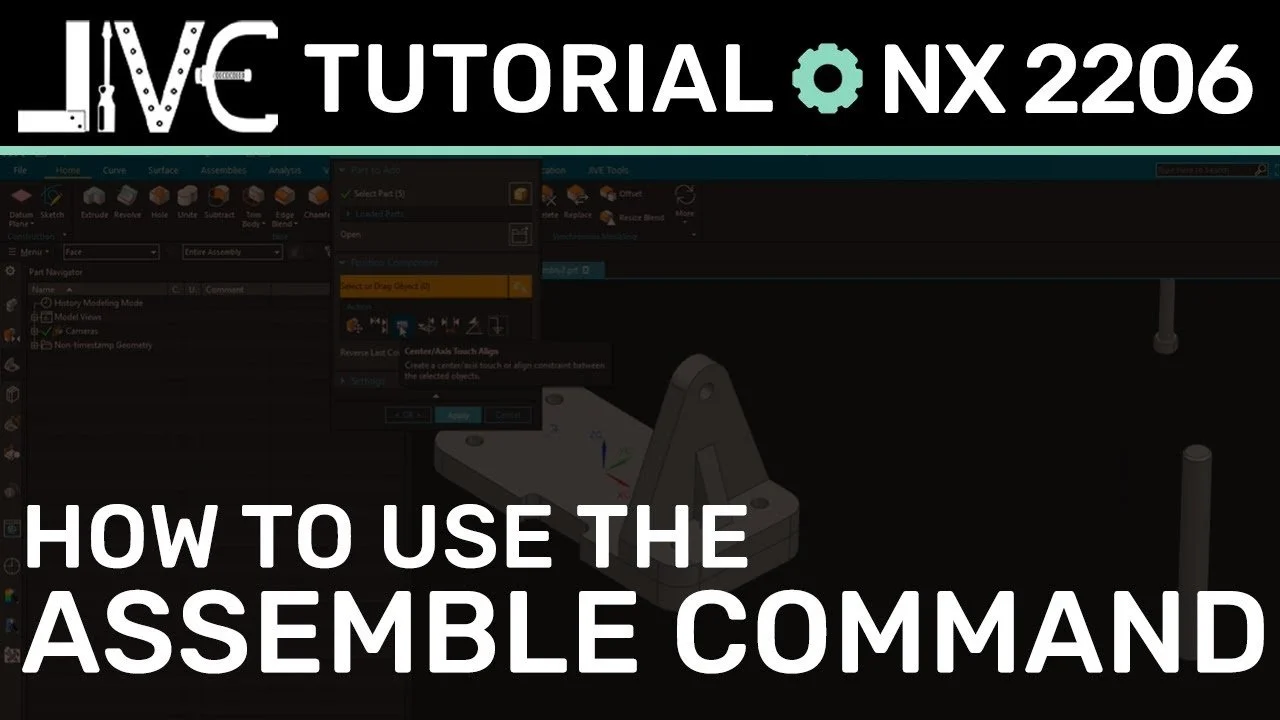
How to Use the Siemens NX Assemble Command to Place Components Faster
Still clicking through the heavy Assembly Constraints dialog? In NX 2206, Siemens introduced the Assemble command—a streamlined, low-click alternative for component placement. We take a deep dive into this modern tool, uncovering hidden efficiency perks that will speed up your workflow and modernize your assembly process.
Mastering Top-Down Design: How to Use NX WAVE Mode
Master top-down design in Siemens NX with the WAVE Geometry Linker. Discover how to activate WAVE Mode to create associative links between Parent and Child parts, streamlining your workflow and eliminating unnecessary file clutter. Includes a step-by-step video guide.