
The NX Learning Hub
Expert Solutions & Workflows
Access our curated collection of technical answers and expert tutorials designed to solve the toughest Siemens NX engineering challenges.
NEED HELP FINDING SOMETHING?
Search by feature (e.g., 'WAVE Linker' or 'Planar Mill') to find specific solutions.
[ All Tutorials ] | [ Modeling] | [ CAM & Manufacturing] | [ Routing] | [ Assemblies ] | [ WAVE Linking] | [ Measuring]
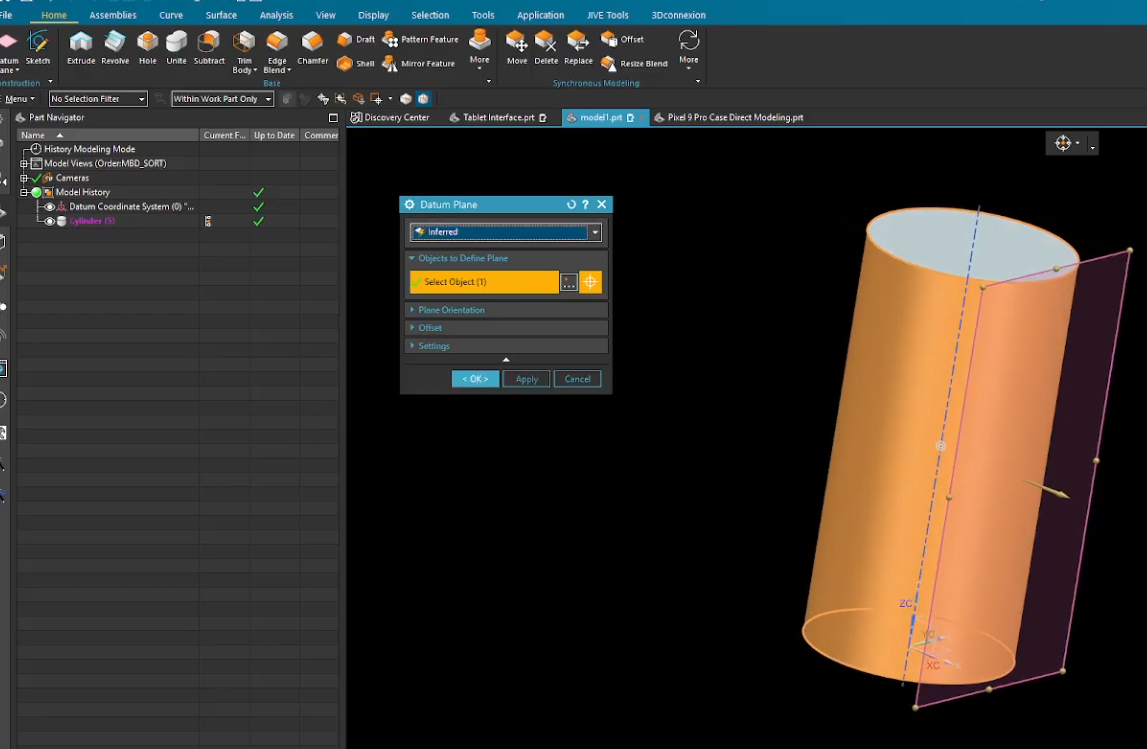
How to Create a Custom Siemens NX CAM Manufacturing Template
Stop wasting time setting up the same fixtures and tools for every new project. In this guide, we show you how to build a custom Siemens NX Manufacturing Template. By pre-defining your machining environment—including vices, jaws, and standard operation sets—you can hit the ground running and ensure your shop floor follows a consistent, proven process every time.

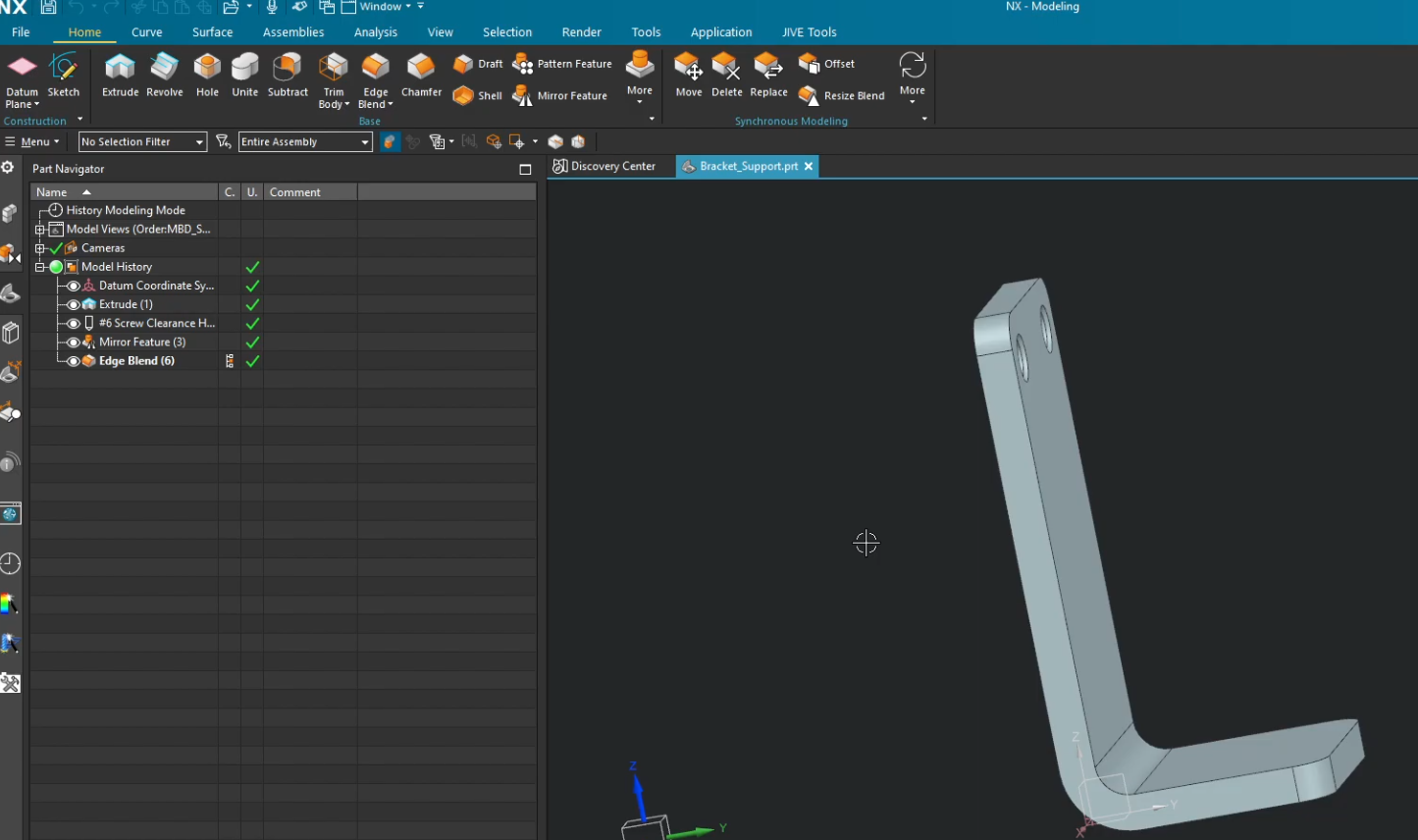
How to Qualify Parts for Siemens NX Electrical Routing: Step-by-Step
Stop manually placing wires and start automating your harness design. Qualifying your parts is the essential first step to mastering Siemens NX Electrical Routing. In this tutorial, we show you how to turn a standard 3D model into an intelligent routing component by defining ports, multi-ports, and alignment vectors—saving you hours of manual rework in your assembly.

Siemens NX Arrangements vs. Reference Sets: What is the Difference?
Are you using Reference Sets when you should be using Arrangements? In Siemens NX, mixing up these two tools can lead to cluttered assemblies and broken constraints. This guide breaks down the fundamental differences between Part-level Reference Sets and Assembly-level Arrangements, helping you choose the right tool for the job every time
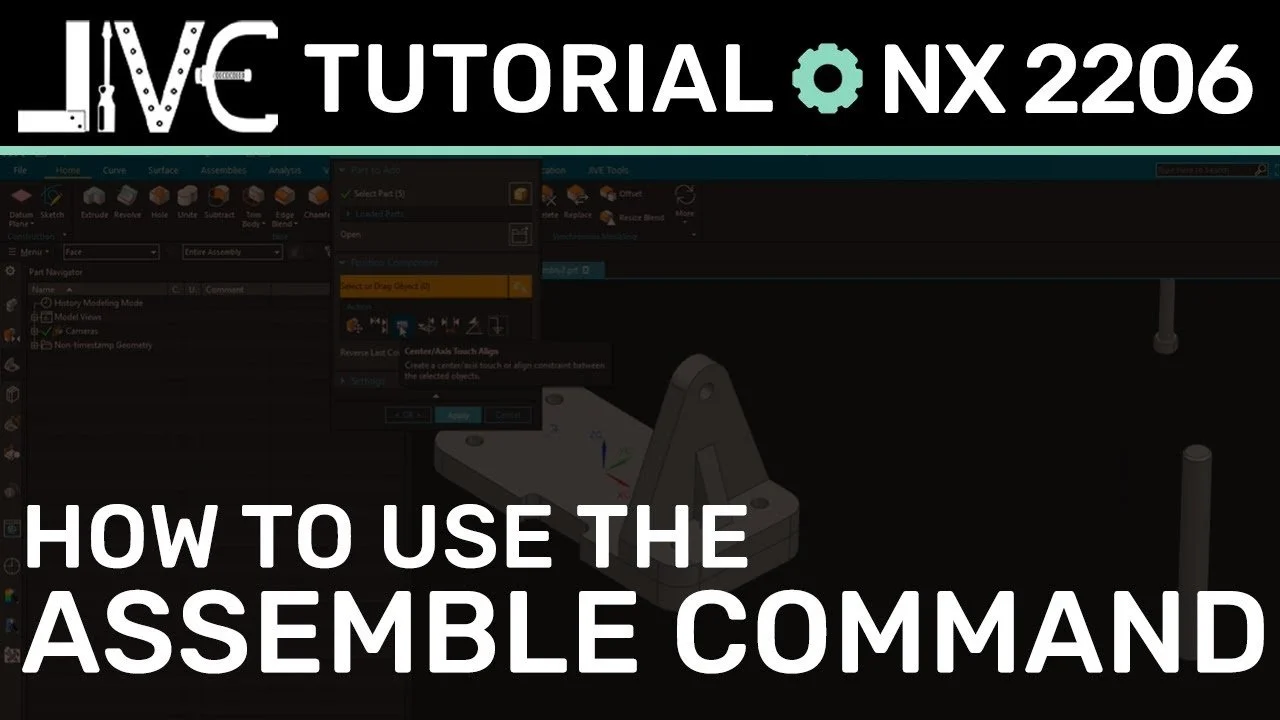
How to Use the Siemens NX Assemble Command to Place Components Faster
Still clicking through the heavy Assembly Constraints dialog? In NX 2206, Siemens introduced the Assemble command—a streamlined, low-click alternative for component placement. We take a deep dive into this modern tool, uncovering hidden efficiency perks that will speed up your workflow and modernize your assembly process.
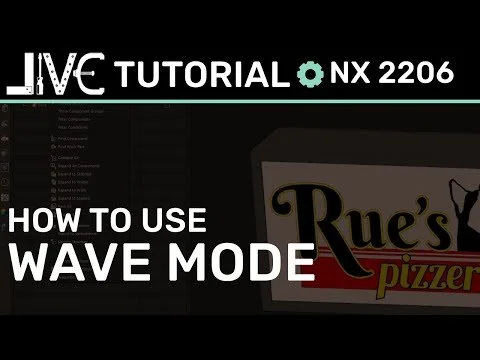
Mastering Top-Down Design: How to Use NX WAVE Mode
Master top-down design in Siemens NX with the WAVE Geometry Linker. Discover how to activate WAVE Mode to create associative links between Parent and Child parts, streamlining your workflow and eliminating unnecessary file clutter. Includes a step-by-step video guide.