
The NX Learning Hub
Expert Solutions & Workflows
Access our curated collection of technical answers and expert tutorials designed to solve the toughest Siemens NX engineering challenges.
NEED HELP FINDING SOMETHING?
Search by feature (e.g., 'WAVE Linker' or 'Planar Mill') to find specific solutions.
[ All Tutorials ] | [ Modeling] | [ CAM & Manufacturing] | [ Routing] | [ Assemblies ] | [ WAVE Linking] | [ Measuring]
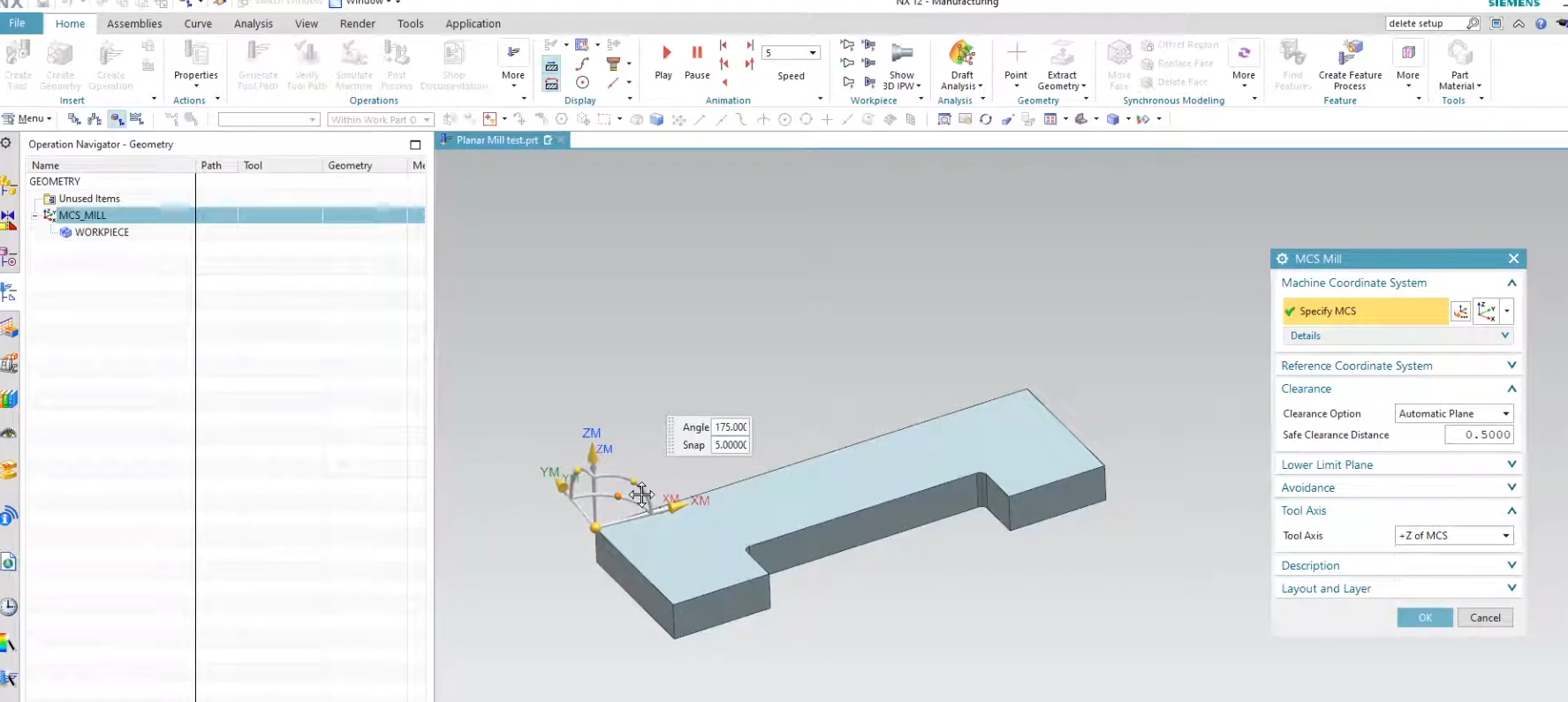
A Beginner’s Guide to Siemens NX CAM
Jumping into Siemens NX CAM for the first time can feel like stepping into a cockpit—there are buttons everywhere and a very specific way of doing things. In this video, we strip away the complexity to focus on the "Big Three" of a successful setup: the MCS, the Workpiece, and the Operation Navigator.
If you’ve ever struggled with why your toolpaths aren't generating or how to properly define your blank material, this tutorial is your roadmap. Start programming with precision and skip the "trial and error" phase.
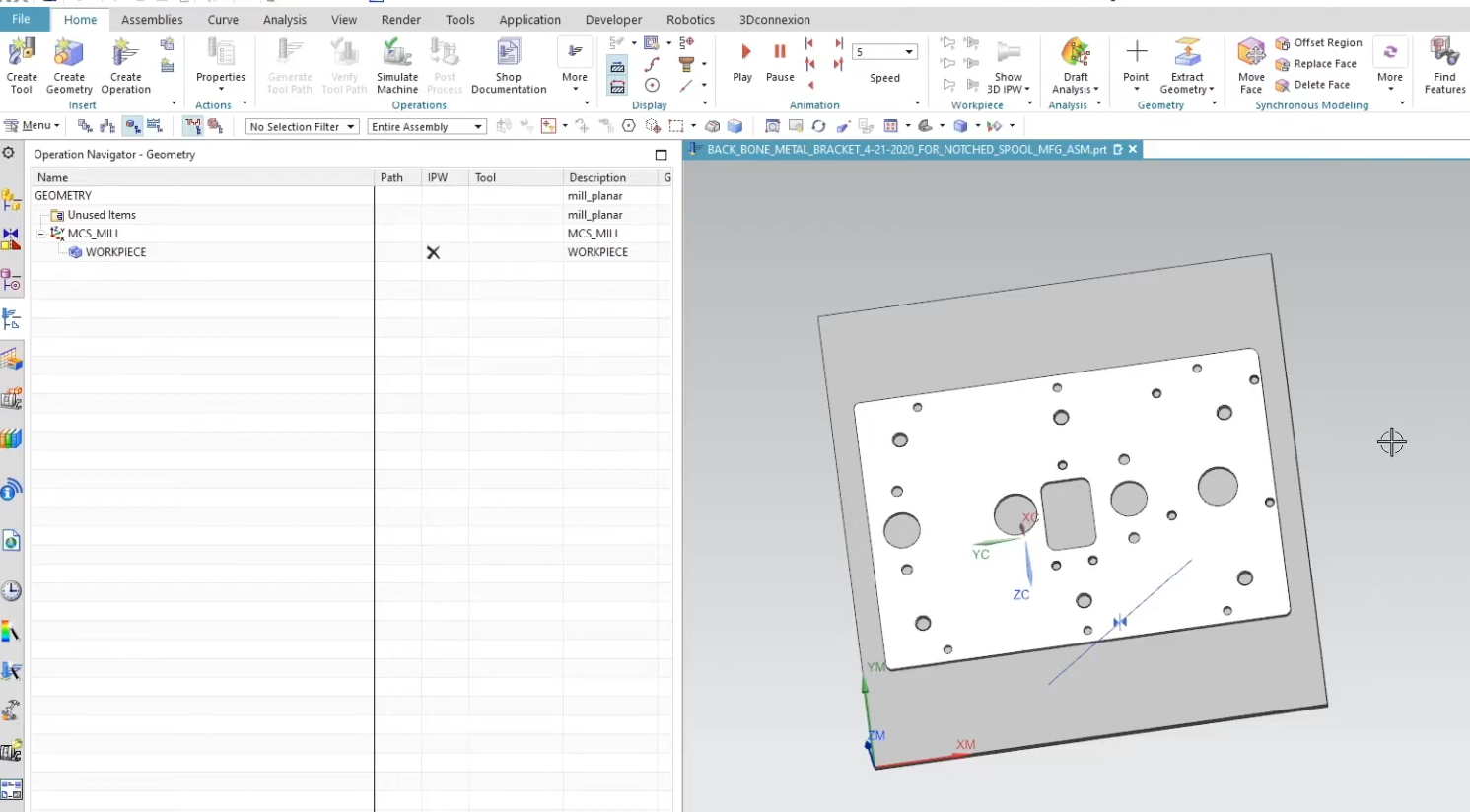
Preparing Hole Geometry for CAM in Siemens NX
Manually selecting every hole face for drilling, chamfering, and tapping isn't just tedious—it’s a recipe for mistakes. In this tutorial, we’re diving into the "work smarter, not harder" side of Siemens NX.
We’ll show you exactly how to prepare and group your Hole Geometry so that your selections carry over through multiple operations. Whether you're dealing with five holes or five hundred, this workflow ensures your CAM setups are faster, more stable, and—most importantly—repeatable. If you want to shave minutes (or hours) off your programming time, this is a must-watch.

How to Use Planar Mill in NX CAM
Simplify your CNC programming by mastering the most versatile planar operation in Siemens NX. This tutorial breaks down the Planar Mill command—from defining part boundaries and stock offsets to managing multi-level cuts—so you can create cleaner toolpaths with less effort.

How to Create a Chamfer Mill Operation in Siemens NX
Eliminate manual benchwork and automate your edge breaks with professional deburring in Siemens NX. Learn the best practices for tool definition, precise edge selection, and the critical offsets needed to protect your tool tip while achieving a flawless finish on every part.
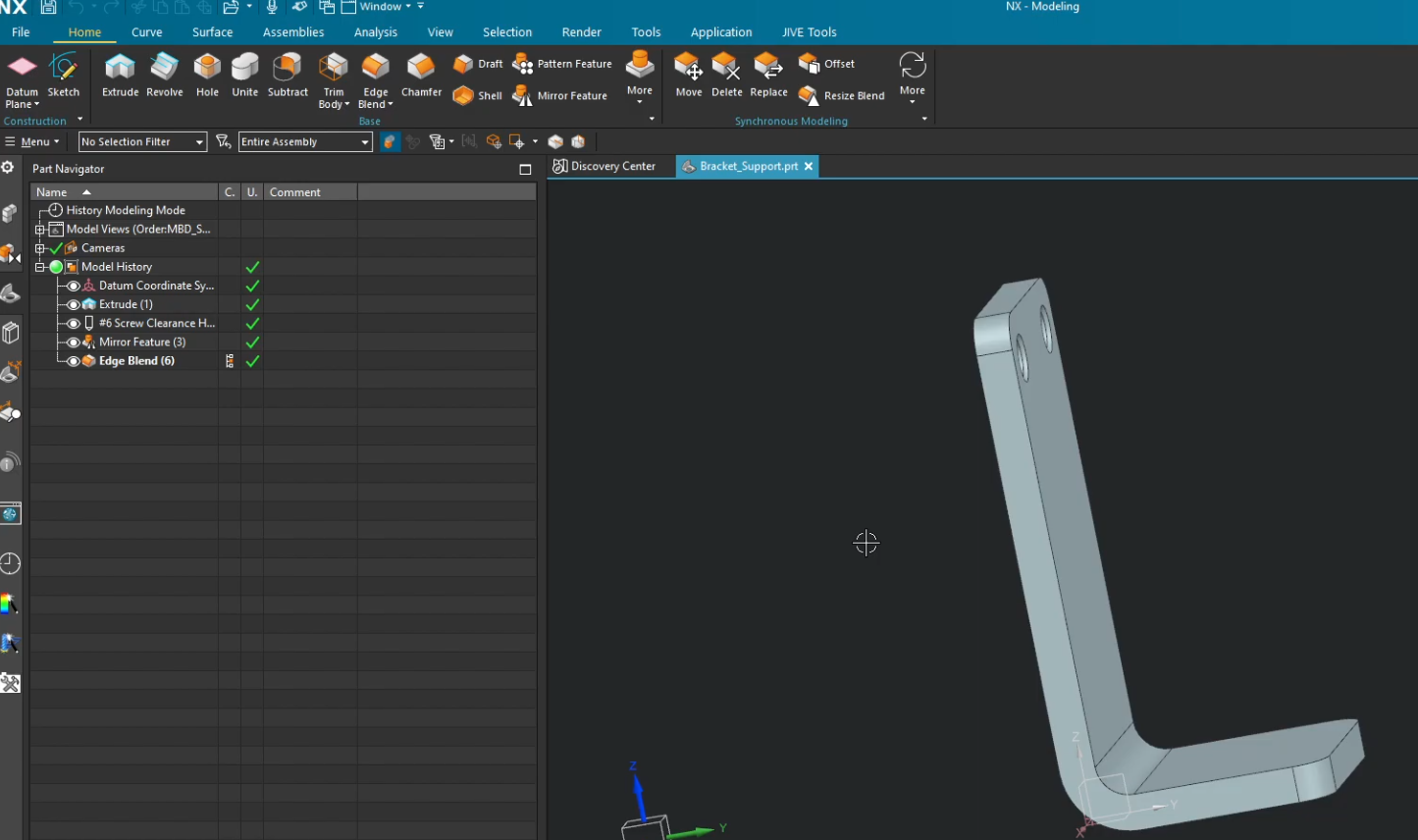
How to Create a Custom Siemens NX CAM Manufacturing Template
Stop wasting time setting up the same fixtures and tools for every new project. In this guide, we show you how to build a custom Siemens NX Manufacturing Template. By pre-defining your machining environment—including vices, jaws, and standard operation sets—you can hit the ground running and ensure your shop floor follows a consistent, proven process every time.