
The NX Learning Hub
Expert Solutions & Workflows
Access our curated collection of technical answers and expert tutorials designed to solve the toughest Siemens NX engineering challenges.
NEED HELP FINDING SOMETHING?
Search by feature (e.g., 'WAVE Linker' or 'Planar Mill') to find specific solutions.
[ All Tutorials ] | [ Modeling] | [ CAM & Manufacturing] | [ Routing] | [ Assemblies ] | [ WAVE Linking] | [ Measuring]
What is Fix at Current Timestamp and how does it work?
Tired of measurement features jumping to the bottom of your NX Part Navigator? Learn how to use the 'Fix at Current Timestamp' setting to lock your data in place and build a more stable, error-free model history.
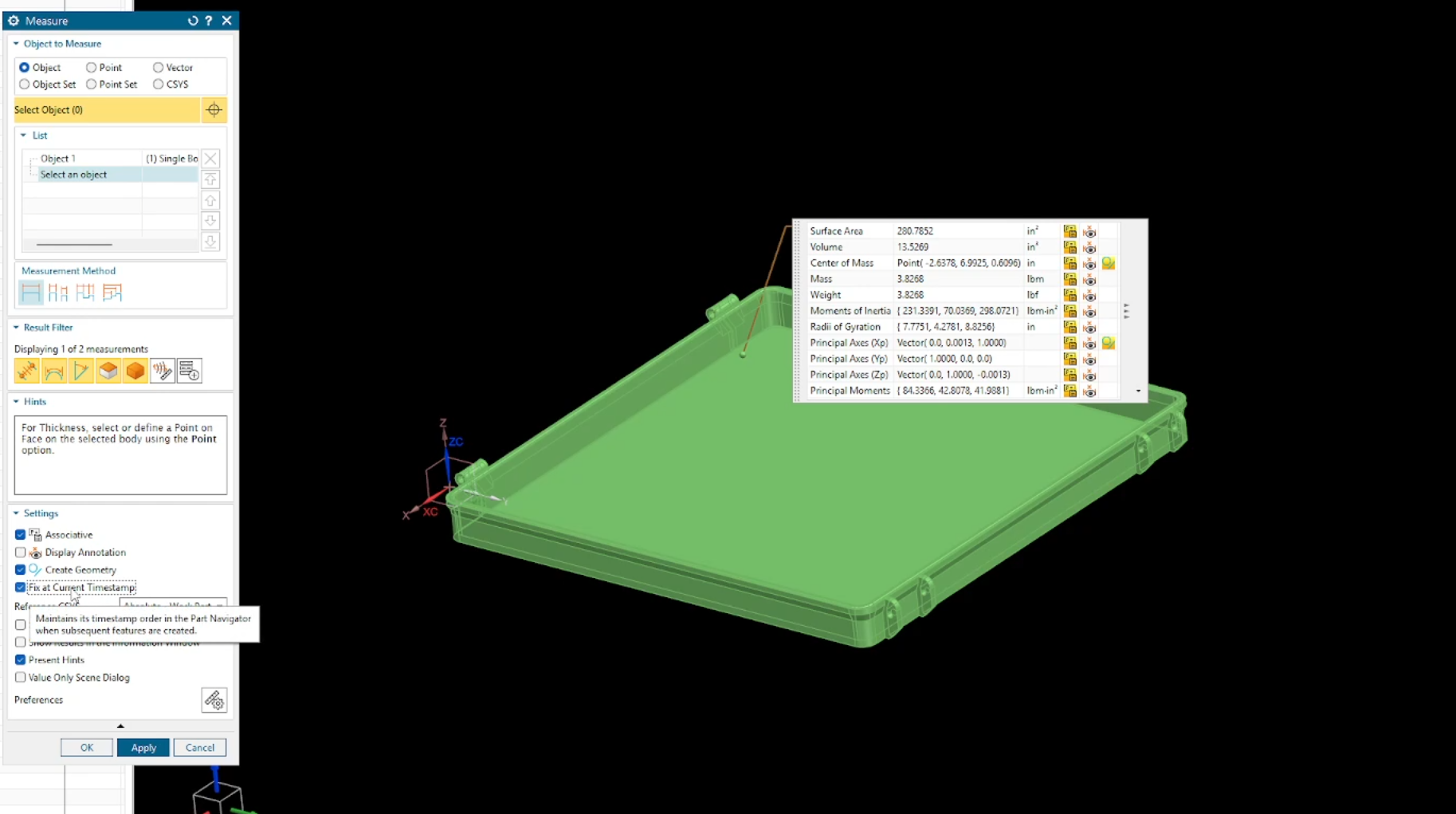
How to Find Mass Properties & Center of Gravity (CG) in Siemens NX
Is your model showing zero mass, or are you struggling to locate the exact balance point of your assembly? In this guide, we break down the essential workflow for assigning materials and using the Siemens NX Measure tool to accurately calculate mass properties and the Center of Gravity.
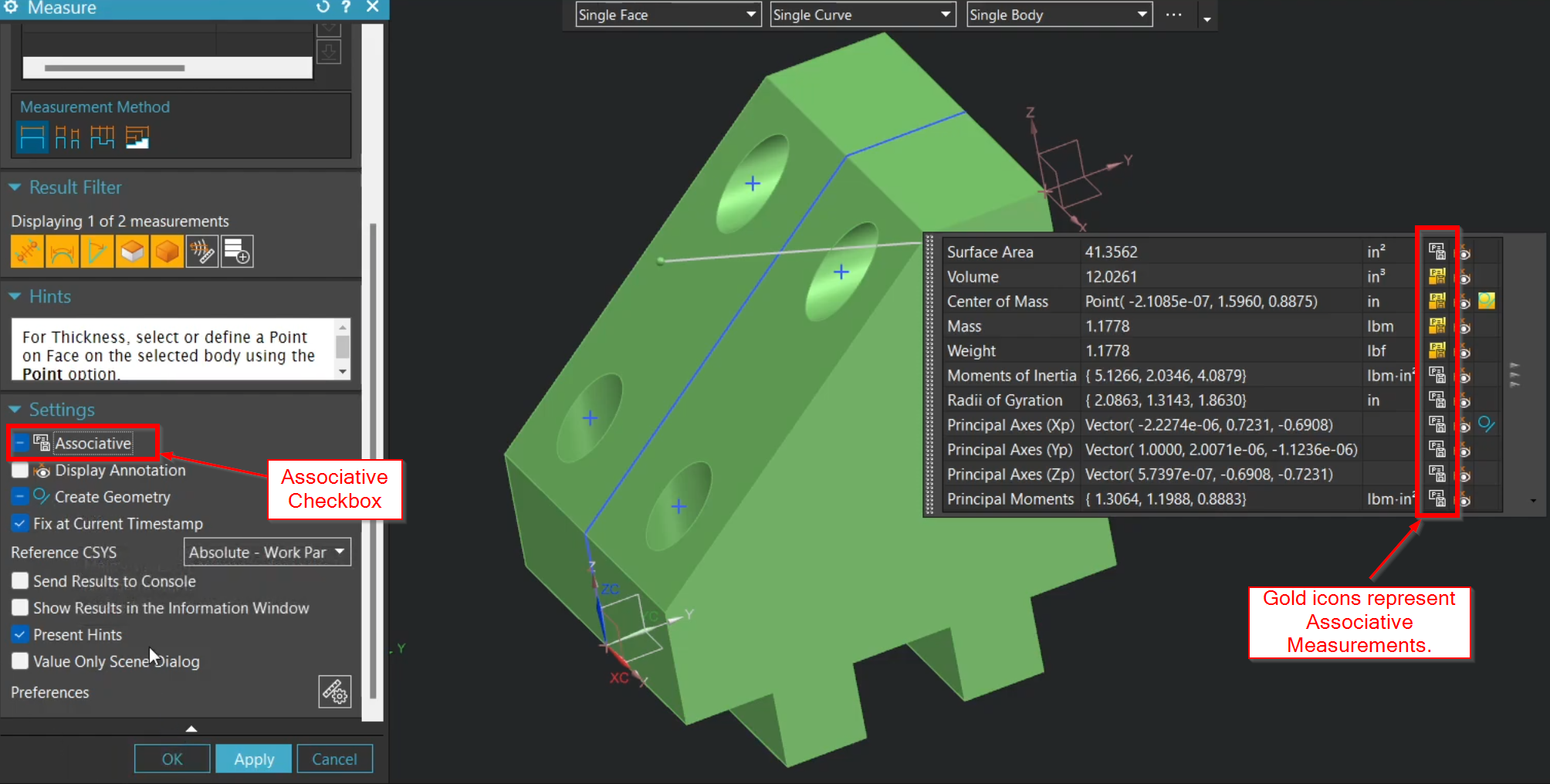
How to Use the Measure Tool in Siemens NX - Complete Guide
Stop hunting through legacy menus and master the consolidated Measure command in Siemens NX. Learn how to leverage associative measurements, drive your design with expressions, and use advanced selection filters to streamline your CAD workflow and engineering analysis.