
CREO Parametric
LEARNING HUB
Search our database for expert insights on 'Family Tables,' 'Flexible Modeling,' and 'Mapkeys' to streamline your design process.
NEED HELP FINDING SOMETHING?
Search by feature (e.g., 'Copy Geometry' or 'Publish Geometry') to find specific solutions.
[All Tutorials ] | [ Modeling] | [ Assemblies ] | [ Copy Geometry] | [ Measuring]
How to Use the Measure Tool in Creo Parametric
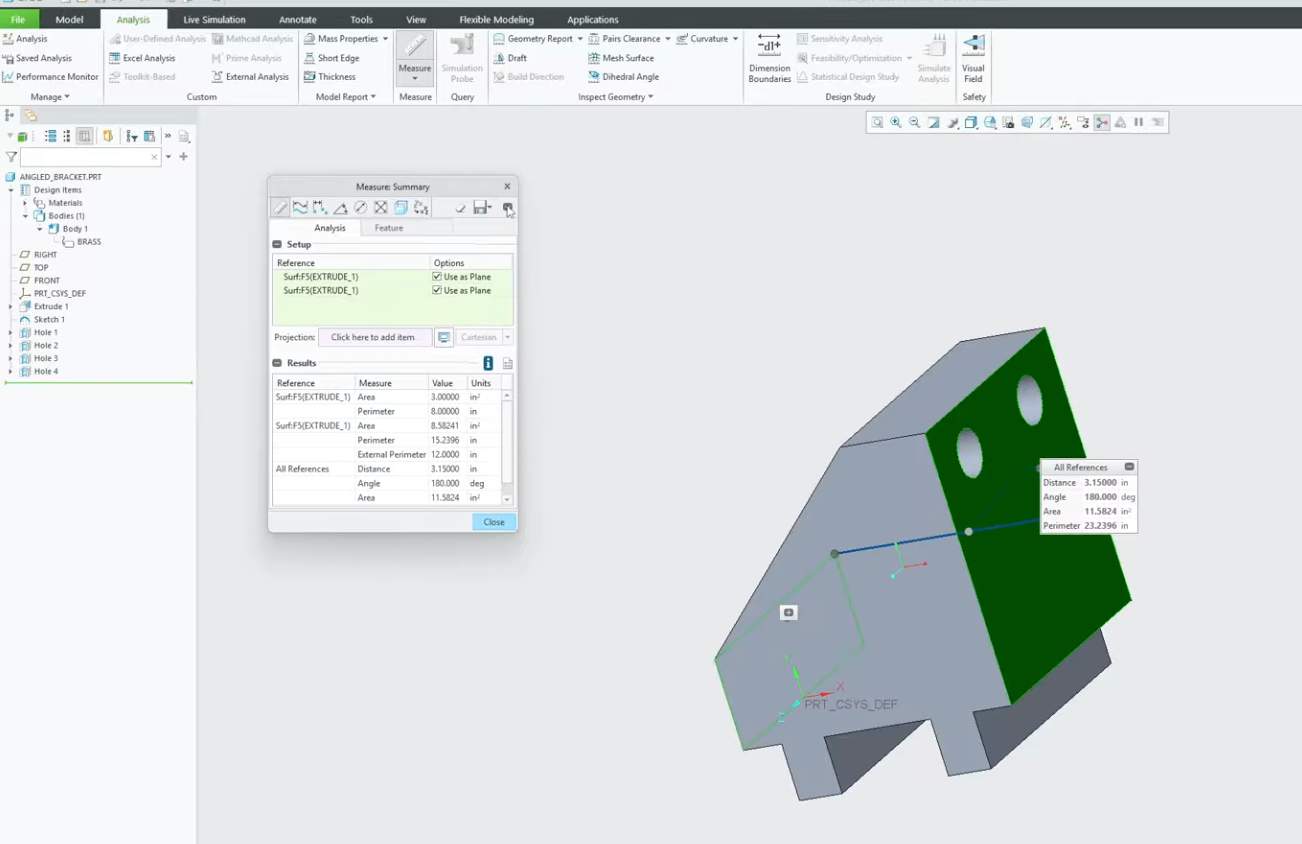
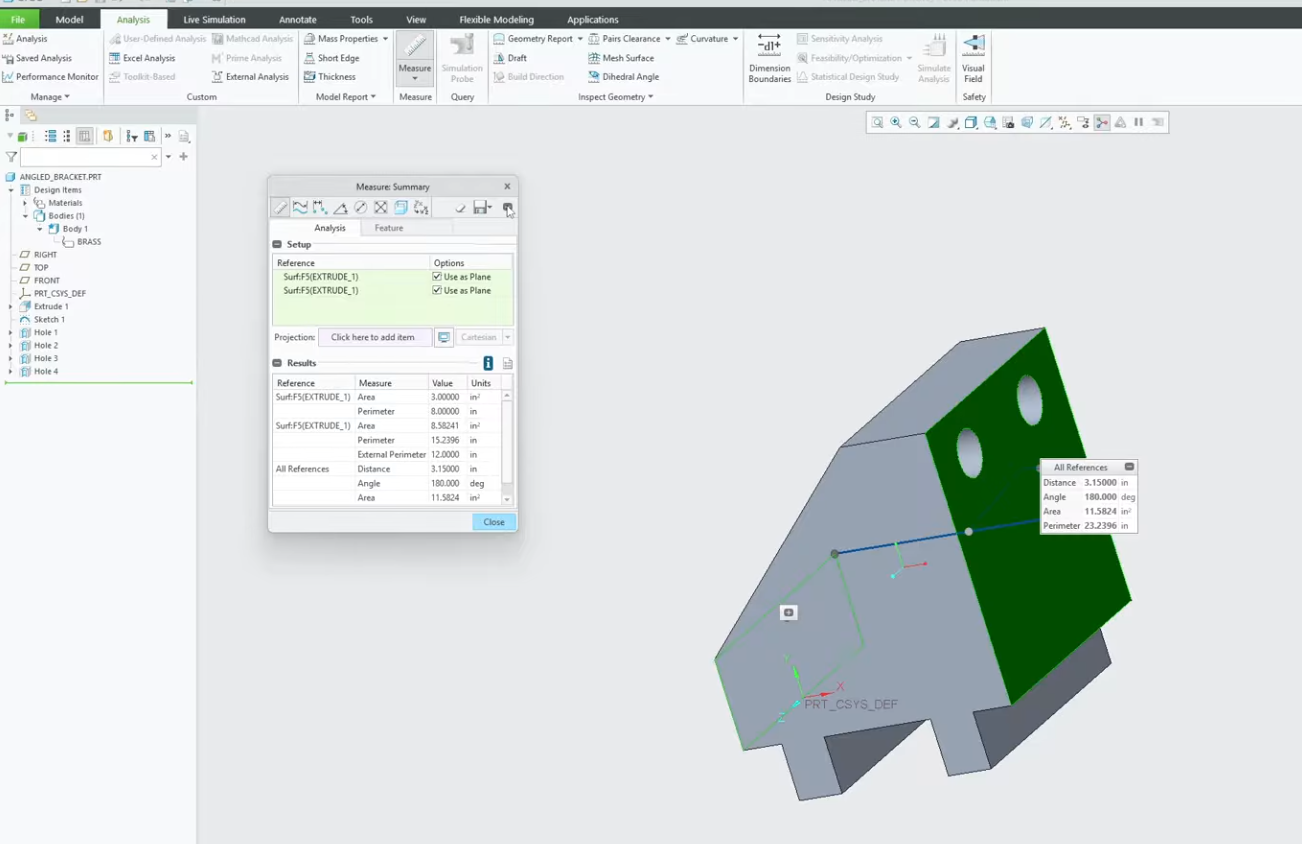
Does the measure tool in Creo ever feel like it requires too many clicks? Whether you are double-checking a clearance or verifying a critical angle, knowing the shortcuts of the Analysis tab is a game-changer.
In this video, we break down the most efficient ways to use the Creo Measure tool. We cover how to switch between measurement types on the fly, how to select multiple entities using the Ctrl key, and how to keep your measurement results visible while you work. Stop guessing and start measuring with precision.